
Smart Home Ecosystems Explained: How Devices Talk to Each Other
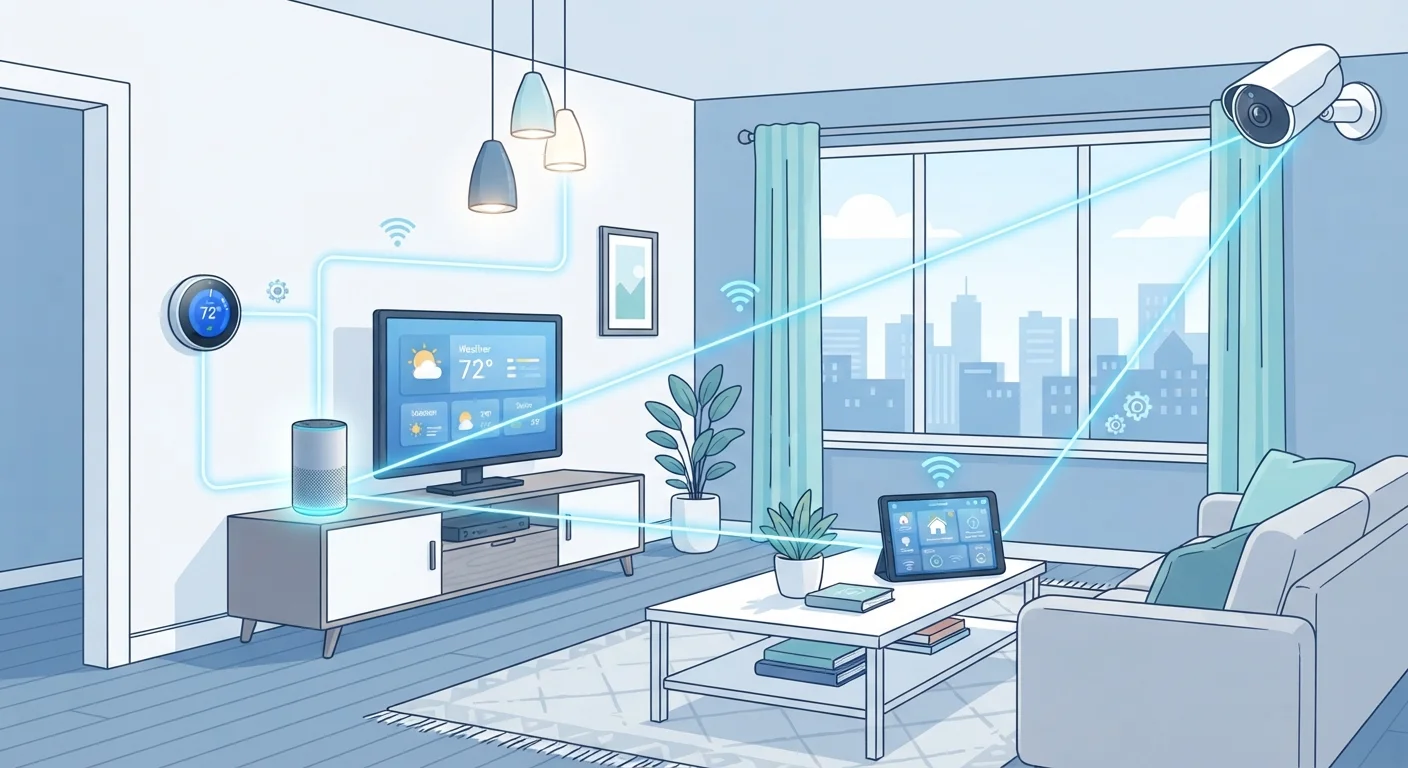
Photo credit: TheBlogZappier.com | Simple Search, Credible Results
In this article
Learn how smart home platforms like Matter, Zigbee, and Z-Wave connect devices—and why the protocol your hub uses matters.
Key Takeaways
- Smart home devices communicate using wireless protocols — the 'language' that determines which devices can work together.
- Matter is a newer, cross-platform standard designed to reduce the compatibility barriers between ecosystems.
- Zigbee and Z-Wave create low-power mesh networks and require a compatible hub to function.
- Wi-Fi-based devices are easy to set up but can strain your home network if you add many of them.
- Choosing a protocol-aware strategy early avoids costly compatibility surprises later.
Why Devices Need a Common Language
Plug in a smart bulb and it doesn't automatically know your thermostat exists — and your thermostat doesn't know about your door lock. For devices to coordinate, they need a shared communication standard: a protocol that defines how signals are sent, received, and interpreted.
Without a shared protocol, each device operates as an island, controlled only through its manufacturer's own app. That works fine for a single gadget, but it fragments quickly as you add more devices. The protocol — and the hub or platform that speaks it — is what knits individual gadgets into an actual ecosystem.
If you're just starting out, a ground-up overview of how hubs and protocols work can help you plan before you spend.
3+
Major wireless protocols in common residential use
Wi-Fi, Zigbee, and Z-Wave each serve different use cases; Matter is designed to bridge them at the platform level.
~900 MHz
Z-Wave operating frequency in the US
Operating below the 2.4 GHz band used by Wi-Fi and Zigbee reduces radio interference in dense device environments.
65,000+
Maximum devices in a single Zigbee mesh network
The Zigbee specification supports large device counts, making it practical for commercial as well as residential deployments.
The Main Protocols: Wi-Fi, Zigbee, Z-Wave, and Matter
Wi-Fi is the most familiar option. Devices connect directly to your router — no hub required — which makes initial setup straightforward. The trade-off is that each device claims a spot on your home network, and battery-powered devices drain faster because Wi-Fi is relatively power-hungry.
Zigbee runs on the 2.4 GHz band and forms a mesh network: each device can relay signals for others, which extends range and improves reliability. It requires a compatible hub and uses very little power, which is why it's popular for battery-operated sensors and bulbs.
Z-Wave works on a different frequency (around 900 MHz in the US), which reduces interference with Wi-Fi and Zigbee. Like Zigbee, it creates a mesh network and needs a hub. Z-Wave devices are certified to meet interoperability standards within the ecosystem, which historically made them reliable for professional installations.
Matter is the newest development — an open standard designed to let devices work across platforms. A Matter-certified device can, in principle, be controlled by multiple ecosystems without extra bridges. It uses Wi-Fi and a low-power protocol called Thread as its transports. Adoption is growing but not yet universal.
Check Protocol Before You Buy
Before purchasing any smart device, look up which protocol it uses and confirm your existing hub or platform supports it. This single check prevents the most common compatibility headaches. If you're building from scratch, choosing one primary protocol and a hub that supports it tends to produce a more coherent setup than mixing protocols randomly.
How Hubs Tie Everything Together
A hub is the translator and coordinator of your ecosystem. It speaks the protocol your devices use, processes commands locally or routes them through the cloud, and presents everything under one app or voice interface.
Some hubs are single-protocol: a Zigbee hub only speaks Zigbee. Multi-protocol hubs support two or more standards simultaneously, which is useful if you've accumulated devices across different protocols over time. Smart speakers with built-in hub capabilities have made this more accessible — several can handle Matter, Zigbee, and Thread in one device.
The distinction between local processing and cloud-dependent processing matters for reliability. A locally processed command (the hub handles it on your home network) still works during an internet outage. A cloud-dependent device goes dark if the server is unreachable or the manufacturer shuts down the service — something worth understanding before you commit. A solid home network foundation also plays a significant role in keeping everything responsive.
Practical Implications for Buying Decisions
Knowing the protocol landscape changes how you evaluate devices. A low price on a Wi-Fi camera looks less appealing if adding a dozen Wi-Fi devices would overwhelm your router. A Zigbee sensor might be the smarter long-term choice — lower power, less network load — but only if you already have or plan to buy a compatible hub.
Compatibility is also a moving target. A device that works with your current platform may lose support if the manufacturer discontinues firmware updates or pivots to a new standard. Building a setup that isn't dependent on a single manufacturer is one way to manage that risk.
Before any new device goes live on your network, it's also worth running through a security checklist. Verifying firmware, permissions, and default credentials before setup is a straightforward step that's easy to skip and later regret.
Frequently Asked Questions

Author
Tech & Electronics Editorial Team
Tech & Electronics Editorial Team is the collective byline for our editorial team and contributor network. Articles published under this byline or an editorial pen name are researched, written, and reviewed according to our editorial standards for clarity, consistency, and independence before publication.
View all articles →