
Everything First-Time Smart Home Owners Should Know Before Buying a Single Device
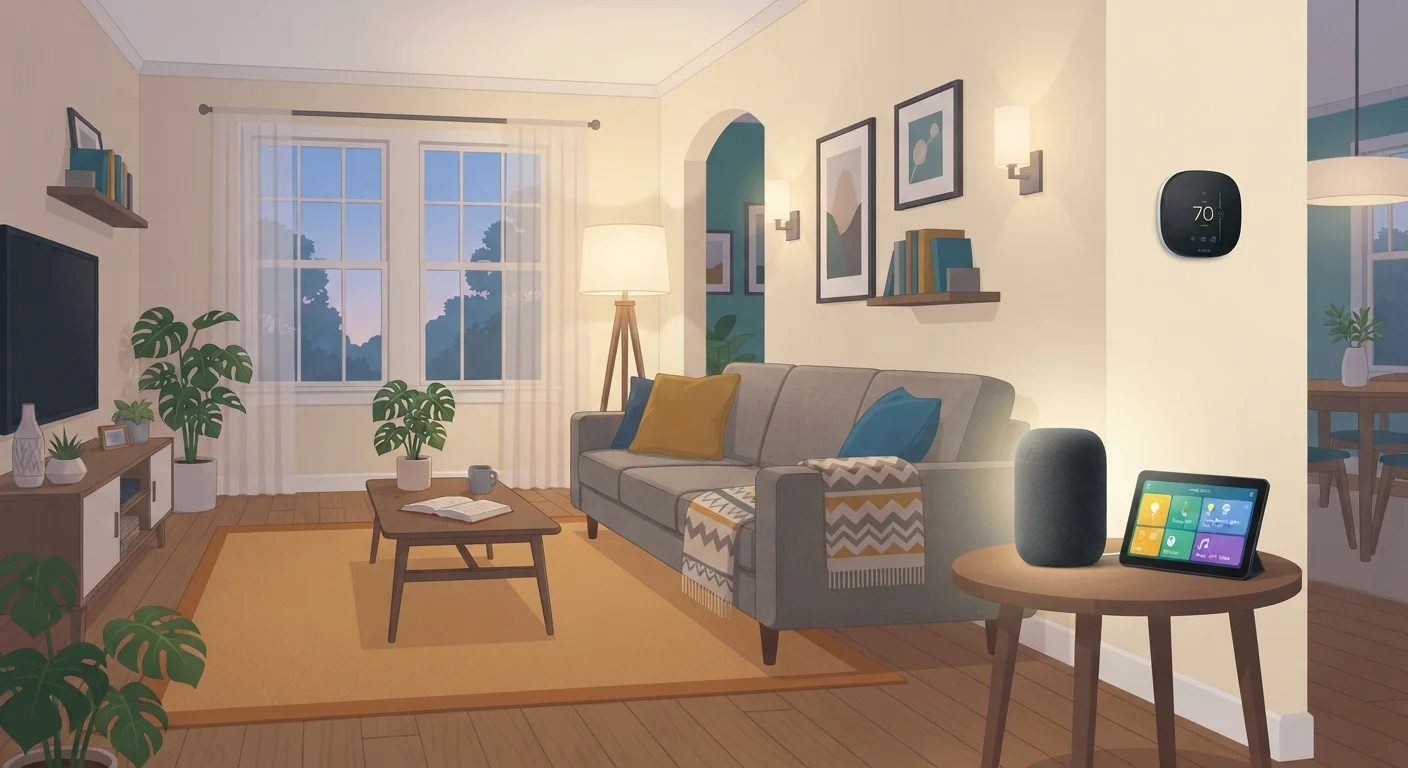
Photo credit: TheBlogZappier.com | Simple Search, Credible Results
In this article
A ground-up introduction to smart home technology: how hubs work, which protocols matter, and how to plan before you spend.
Key Takeaways
- A reliable home network is the foundation every smart home device depends on.
- Protocols determine which devices can communicate — matching them matters before you buy.
- Picking a single ecosystem limits flexibility; understanding tradeoffs helps you choose wisely.
- Security basics like strong passwords and network segmentation reduce real risk.
- Planning your use cases before purchasing saves money and avoids compatibility headaches.
What "Smart Home" Actually Means
A smart home is simply a home where certain devices — lights, locks, thermostats, speakers, cameras — can be controlled digitally, often remotely or automatically, rather than only by a physical switch or dial. That's the whole idea. The "smart" part is connectivity and programmability, not magic.
What makes first-time setup confusing isn't the concept; it's the vocabulary. Words like hub, ecosystem, protocol, and mesh get thrown around without explanation. Before you spend anything, it's worth understanding what those terms actually refer to in plain terms.
The Three Things Every Smart Home Needs
Strip away the marketing, and every functional smart home setup depends on three things working together:
- A reliable home network. Nearly every smart device — whether it connects via Wi-Fi, Zigbee, or Thread — ultimately needs a stable internet connection and a capable router to function predictably. A weak or overloaded network causes more smart home failures than bad devices do. See our guide to home network foundations for practical advice on getting this right first.
- A hub or controller. Some devices connect directly to your phone app with no intermediary. Others need a hub — a small box that translates signals between devices and your network. Hubs also allow local processing, meaning your automations can still run even when the internet is temporarily down.
- A consistent ecosystem or protocol. This is where most first-timers run into trouble. Devices need a shared language to talk to each other. Choose devices that share a protocol from the start, and expansions stay manageable.
Protocols and Why They Matter
A protocol is the communication standard a device uses to send and receive instructions. Think of it like the difference between speaking English and Spanish — two people can be in the same room and still not understand each other without a translator.
The most common smart home protocols in US homes today are:
- Wi-Fi: No extra hub required; works with your existing router. Uses more power, which can be a drawback for battery-operated devices.
- Zigbee: Low-power, short-range radio standard. Devices form a mesh network (each device relays signals for others), which improves range. Requires a compatible hub.
- Z-Wave: Similar to Zigbee in concept — mesh, low-power, hub-required — but uses a different radio frequency and has strict certification requirements that some argue improve reliability.
- Thread / Matter: Thread is a newer low-power mesh protocol. Matter is an application-layer standard built on top of it (and Wi-Fi), designed to let devices from different brands work together. Support is expanding rapidly.
For a deeper look at how these protocols interact and which hubs support which standards, see Smart Home Ecosystems Explained.
Plan Before You Buy
The most common smart home mistake is impulse-buying a device before thinking about how it fits into the rest of the setup. A few questions to answer before your first purchase:
- What problem am I actually solving? Automating lights for convenience is a different starting point than improving home security or reducing energy use. Start with one clear goal.
- Which ecosystem am I building around? Major ecosystems — such as those tied to popular voice assistants — each favor certain protocols and device brands. Picking one early and sticking with it simplifies device pairing, though it does reduce flexibility. Setting up a smart home without locking yourself into one brand explains how to preserve your options.
- What's my realistic budget? Smart home costs accumulate fast. Starting with two or three devices and expanding deliberately is more practical than buying a full setup at once.
Security and Privacy Basics
Smart devices are small networked computers, and like any networked device, they carry security considerations. The risks are real but manageable with a few consistent habits.
- Change default passwords immediately. Many devices ship with simple factory credentials that are widely known. Changing them is the single highest-impact action you can take.
- Segment your network. Putting smart devices on a separate guest or IoT Wi-Fi network limits what a compromised device can access. Most modern routers support this.
- Keep firmware updated. Manufacturers release updates that patch security vulnerabilities. Enable automatic updates where possible, and check for them manually when you add a new device.
- Review app permissions. Some device apps request access to location, contacts, or microphone beyond what the device actually needs. Decline permissions that don't have a clear functional purpose.
Before connecting any new device to your network, review this practical checklist covering firmware, permissions, and default credentials.
Frequently Asked Questions

Author
Tech & Electronics Editorial Team
Tech & Electronics Editorial Team is the collective byline for our editorial team and contributor network. Articles published under this byline or an editorial pen name are researched, written, and reviewed according to our editorial standards for clarity, consistency, and independence before publication.
View all articles →