
Setting Up a Smart Home Without Locking Yourself Into One Brand
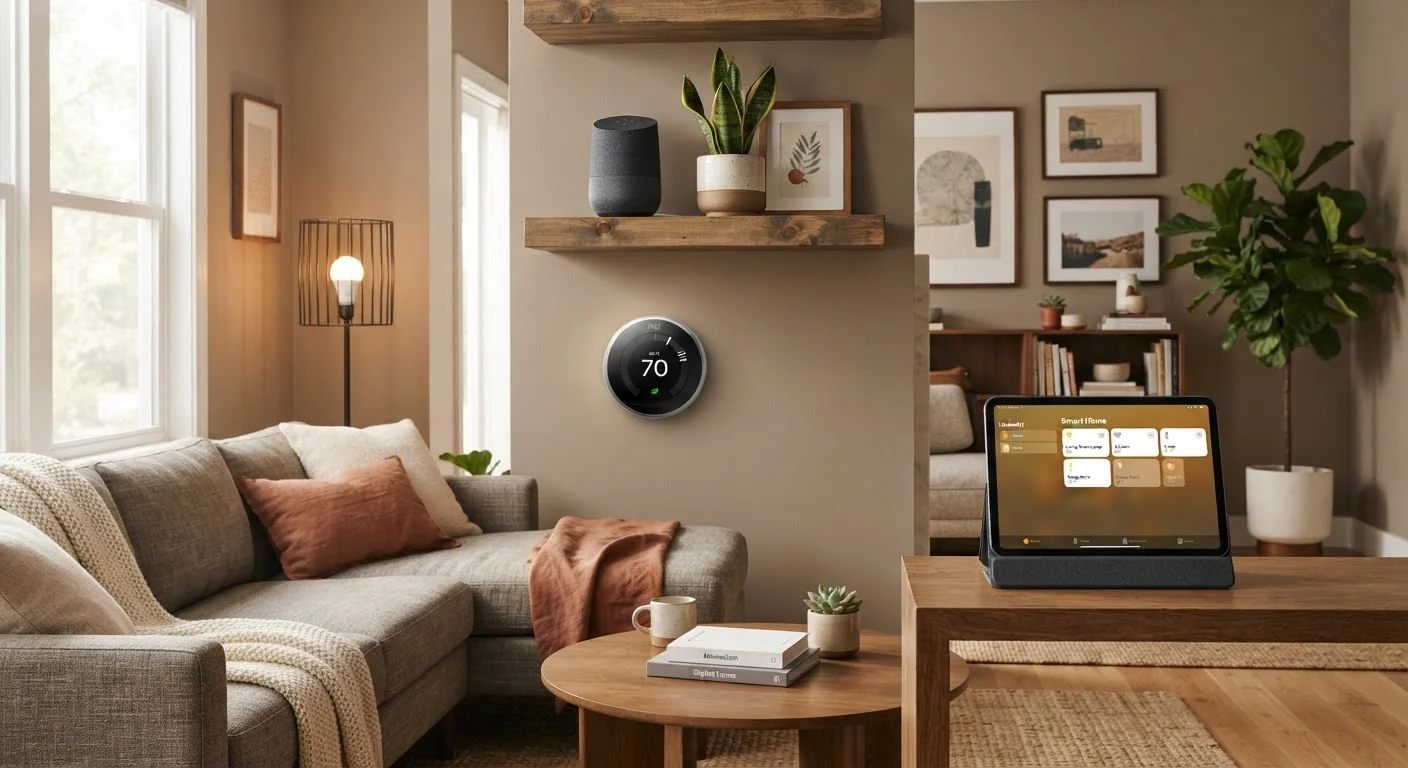
Photo credit: TheBlogZappier.com | Simple Search, Credible Results
In this article
A practical walkthrough for building a flexible smart home that isn't dependent on a single manufacturer's app or hub.
Key Takeaways
- Open protocols like Matter and Zigbee let devices from different brands work together without a single hub.
- Choosing a hub or voice assistant that supports multiple protocols is the most important early decision.
- Local processing hubs reduce dependence on manufacturer cloud servers that can shut down.
- Labeling devices by function rather than brand makes future replacements much easier.
- Adding devices gradually lets you test compatibility before committing to a full setup.
Why Brand Lock-In Is a Real Problem
Most smart home devices ship with their own app, their own account requirement, and sometimes their own hub. That setup works fine in isolation — until you want your smart thermostat to trigger your smart lights, or you discover that one manufacturer discontinued their hub and bricked every device tied to it.
Brand lock-in happens when your devices can only communicate through a single company's servers or app. If that company changes its pricing, drops support, or goes under, your automation routines go with it. Building a flexible setup from the start avoids that risk.
For a deeper look at why the underlying protocol your devices use determines how freely they can talk to each other, see Smart Home Ecosystems Explained. If you're starting from zero, Everything First-Time Smart Home Owners Should Know covers the foundational decisions before you spend anything.
What You'll Need Before You Start
The right groundwork makes every later step simpler. Gather these before buying or pairing any device.
What you will need
Protocol-agnostic smart home hub
Acts as the central coordinator that lets devices using different wireless protocols — Zigbee, Z-Wave, Matter, Wi-Fi — communicate with each other and with your phone.
Dedicated router or mesh Wi-Fi system with guest network support
Provides the network foundation and lets you isolate smart devices on a separate segment from your personal computers and phones.
Smart speaker or display with multi-platform voice assistant support
Enables voice control across devices from different brands without being tied to a single ecosystem's app.
USB-based Zigbee or Z-Wave radio dongle
Needed if your chosen hub runs on a general-purpose computer and doesn't have built-in radios for these protocols.
Step-by-Step: Building a Flexible Setup
Follow these steps in order. Rushing ahead — especially skipping the hub selection stage — is the most common reason people end up locked into a single ecosystem anyway.
Choose a hub that speaks multiple protocols
This is the single most consequential decision. Look for a hub that natively supports at least two of the major open protocols: Matter (the newest cross-industry standard), Zigbee, and Z-Wave. A hub limited to Wi-Fi-only devices keeps you dependent on cloud connectivity for every action.
Open-source hub software options exist that run on common hardware and support dozens of device types without requiring manufacturer accounts. Research current community support levels and hardware compatibility before committing.
Set up your hub and connect it to your network
Install the hub software or device according to its documentation. Connect it to your router via ethernet if possible — a wired connection is more reliable than Wi-Fi for a device that all your other smart gear will depend on.
Create a local admin account during setup. Avoid using a manufacturer cloud account as your only access method; if the company changes terms or discontinues the service, you want local access to keep working.
Pair your first devices using open protocols
Start with one device category — smart bulbs are a low-risk, low-cost place to begin. When shopping, check the device's listed protocol. A Zigbee bulb from any manufacturer will pair directly to your hub without needing that brand's app or bridge.
Pair each device through your hub's interface, not through the manufacturer's app. Once it's paired to the hub, the manufacturer app becomes unnecessary for day-to-day control.
Build automations inside your hub, not inside brand apps
Automations created in a brand app only work within that brand's ecosystem. Automations created in your hub can span devices from any manufacturer. Set rules at the hub level: when a motion sensor detects movement, a light from a completely different brand can respond.
Keep automation logic simple at first. Complex rule chains are harder to troubleshoot when something breaks.
Add voice control as a layer on top, not a foundation
Voice assistants are convenient but they are a control layer, not a hub. If you build your automations to depend on a voice assistant's routines, you're trading one form of lock-in for another. Use your hub for logic; use voice control only for manual commands.
Most hub platforms can connect to major voice assistants without handing over core automation control. Check how your hub handles that integration before enabling it.
Test Compatibility Before Buying in Quantity
Before purchasing a full set of smart switches or sensors from one manufacturer, buy a single unit and verify it pairs cleanly with your hub using an open protocol. Compatibility lists on hub community forums are usually more accurate than manufacturer claims. One test device costs far less than a box of incompatible ones.
Staying Flexible as Your Setup Grows
Once your hub is running and your first few devices are paired, the temptation is to add quickly. Resist buying in bulk until you've confirmed that each new category of device (locks, sensors, bulbs) pairs cleanly with your hub rather than requiring its own bridge.
Label every device in your hub's interface by its function and location — Kitchen Ceiling Light, not Sengled Bulb A19. That habit makes future replacements painless: swap the hardware, re-pair it, give it the same label, and your automations keep working.
Your home network is the invisible foundation for all of this. A stable, properly segmented Wi-Fi setup matters more than most people realize — Home Network Foundations for a Reliable Smart Home explains the approach that holds up over time. And before any new device goes live, run through the security checklist in Points to Verify Before Connecting a New Smart Device — default credentials and over-broad app permissions are easy to overlook and worth catching early.
Matter Doesn't Guarantee Full Interoperability Yet
Matter is a promising standard, but as of its early rollout, not every feature of every device is covered by the spec. A Matter-certified lock may pair to any Matter hub, but advanced features like tamper alerts might still require the manufacturer's app. Read the fine print on what the Matter certification actually covers for each device type.

Author
Tech & Electronics Editorial Team
Tech & Electronics Editorial Team is the collective byline for our editorial team and contributor network. Articles published under this byline or an editorial pen name are researched, written, and reviewed according to our editorial standards for clarity, consistency, and independence before publication.
View all articles →