
What Happens to a Phone's Performance Over Time
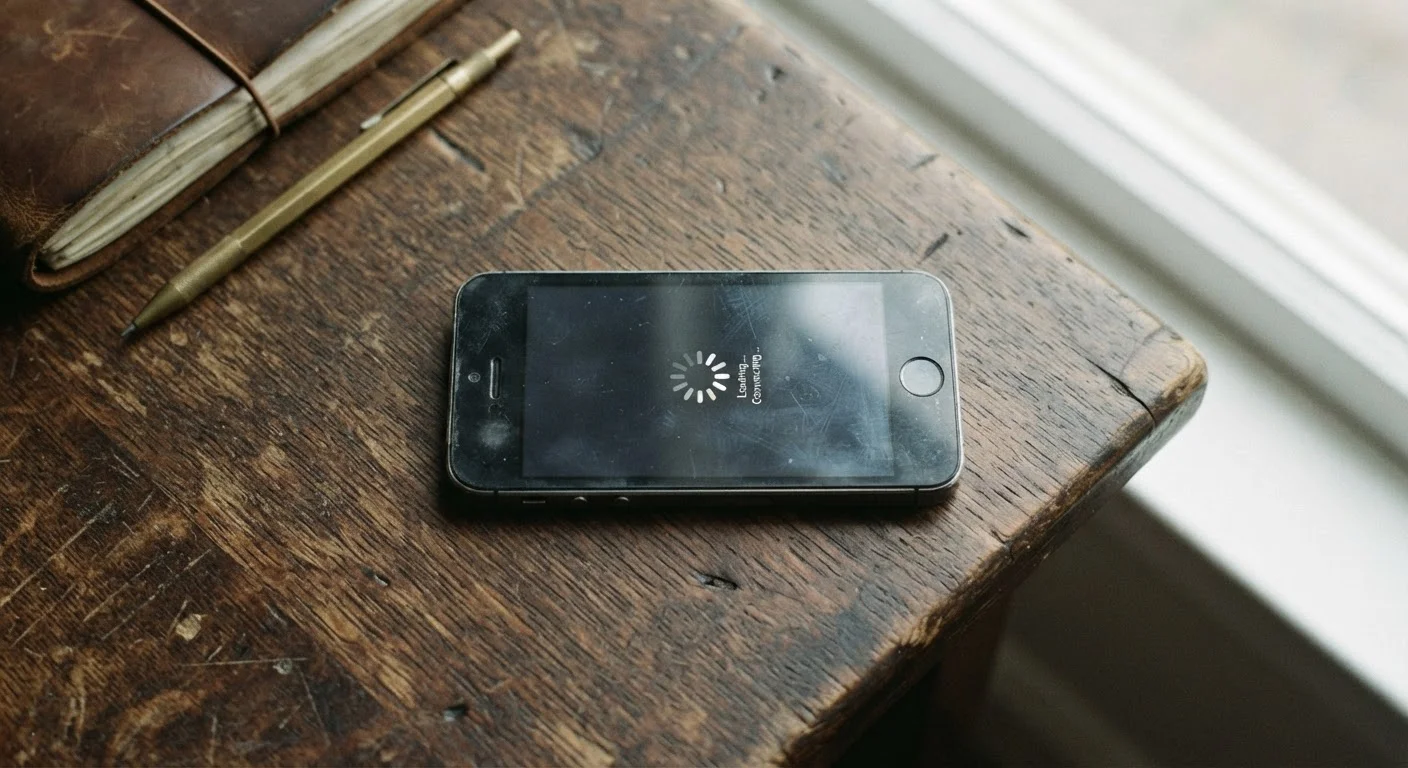
Photo credit: TheBlogZappier.com | Simple Search, Credible Results
In this article
Why older phones can feel slower — and how much of that comes from hardware wear versus software changes. A candid look.
Key Takeaways
- Battery wear is the single biggest hardware factor behind an aging phone feeling slower.
- Software updates and heavier apps raise the performance bar that older hardware must clear.
- The processor and storage chips themselves rarely degrade — software demands outpace them instead.
- Thermal throttling can make an older phone feel sluggish even when the chip is technically fine.
- How long a phone stays usable depends heavily on how long the manufacturer supports it with updates.
The Battery Effect: The Most Underappreciated Cause of Slowdown
Ask most people why their old phone feels slow, and they'll blame the processor. In reality, the battery is usually the more direct culprit.
Lithium-ion batteries — the type used in virtually every smartphone — degrade with each charge cycle. A charge cycle is one full discharge and recharge. After 300 to 500 cycles, a battery may retain only 80% of its original capacity, and the decline continues from there. As capacity drops, the battery struggles to deliver stable power under load.
To compensate, some phones reduce the processor's peak performance to prevent sudden, unexpected shutdowns caused by voltage drops. Apple made this behavior public after users noticed it; the feature is now disclosed and manageable. Android devices handle this differently depending on the manufacturer, but the underlying dynamic — a worn battery limiting what the phone can do — applies broadly.
Check Your Battery Health First
Before assuming your phone is simply too old, check its battery health. Most modern smartphones include a battery health indicator in the settings menu. If capacity has dropped significantly — commonly below 80% — battery replacement may be a cost-effective way to restore responsiveness before committing to a new device.
Replacing a degraded battery can often restore a noticeable portion of a phone's responsiveness, since the processor no longer needs to throttle itself to protect against power instability.
Software Demands That Grow Faster Than Hardware Can Keep Up
Hardware wear is only part of the story. The software environment a phone operates in three years after purchase is meaningfully different from the one it launched into.
Operating system updates add features, change rendering pipelines, and introduce background services — all of which consume memory and processing power. App developers, meanwhile, tend to target current hardware. An app that ran smoothly on a two-year-old phone at launch may require significantly more resources in its current version.
~20%
Typical battery capacity loss after 500 charge cycles
Battery manufacturers commonly rate lithium-ion cells at 80% retained capacity after 300–500 full charge cycles under standard conditions.
2–4 years
Typical OS support window for many Android phones
Support timelines vary by manufacturer; some Android makers have committed to longer windows in recent years, while others still provide shorter coverage.
4–6 years
Average realistic usable lifespan of a smartphone
Consumer research and repair industry data generally place typical smartphone use spans in this range before hardware or software support limits become significant.
This isn't necessarily a conspiracy to push upgrades. Developers follow their user base, and the average device in use at any given time is newer than your aging handset. The practical effect, though, is that older phones gradually find themselves running software they were never optimized for.
For a broader look at how hardware longevity plays out on a different device type, see our article on what affects a laptop's lifespan.
What Actually Doesn't Degrade Much
It's worth being precise about what aging doesn't do to a phone. The processor, RAM, and storage chips don't wear out in any meaningful way under typical use conditions. A three-year-old chip performs the same computations it always has — it's just that those computations now represent a smaller fraction of what current software demands.
Storage can develop minor issues over many write cycles in theory, but in practice this rarely causes noticeable problems during a phone's usable life. The flash memory used in phones is rated for far more cycles than most users will ever generate.
Thermal Throttling Is a Normal Safety Feature
When a phone's processor gets too hot, the system intentionally slows it down to prevent damage. This is called thermal throttling, and it's a deliberate design choice — not a malfunction. Older phones may throttle more readily if internal cooling has become less efficient over time, but the same chip that ran hot would have throttled just as hard when it was new under equivalent conditions.
What does change with the chip over time is thermal behavior. As a phone ages, dust and wear on internal components can reduce cooling efficiency slightly. The chip itself is fine, but it may reach its thermal limit faster, causing the system to throttle performance more frequently — especially during demanding tasks like gaming or video rendering.
If you're weighing whether to push through with your current phone or make a switch, these questions are worth working through first.
Software Support Cutoffs and Security Concerns
Performance is one dimension of phone longevity. Security support is another, and it often determines when a phone truly stops being practical to use — regardless of how the hardware feels.
Manufacturers provide operating system updates and security patches for a defined period. When support ends, the phone stops receiving fixes for newly discovered vulnerabilities. This doesn't mean the phone immediately breaks, but it does mean running it long-term carries increasing risk, particularly if it's used for banking, email, or storing sensitive data.
How long that support window lasts varies significantly by manufacturer and sometimes by model tier within the same brand. It's a factor worth understanding before buying a new device — and one reason the answer to "how long will this phone last" is never purely a hardware question.
For those starting from scratch with smartphone research, our beginner's guide to smartphones covers these fundamentals in plain terms. And if you're already planning an upgrade, the tricky parts of switching phones outlines what to watch out for during the transition.
Frequently Asked Questions

Author
Tech & Electronics Editorial Team
Tech & Electronics Editorial Team is the collective byline for our editorial team and contributor network. Articles published under this byline or an editorial pen name are researched, written, and reviewed according to our editorial standards for clarity, consistency, and independence before publication.
View all articles →