
The Tricky Parts of Switching Phones That Catch People Off Guard
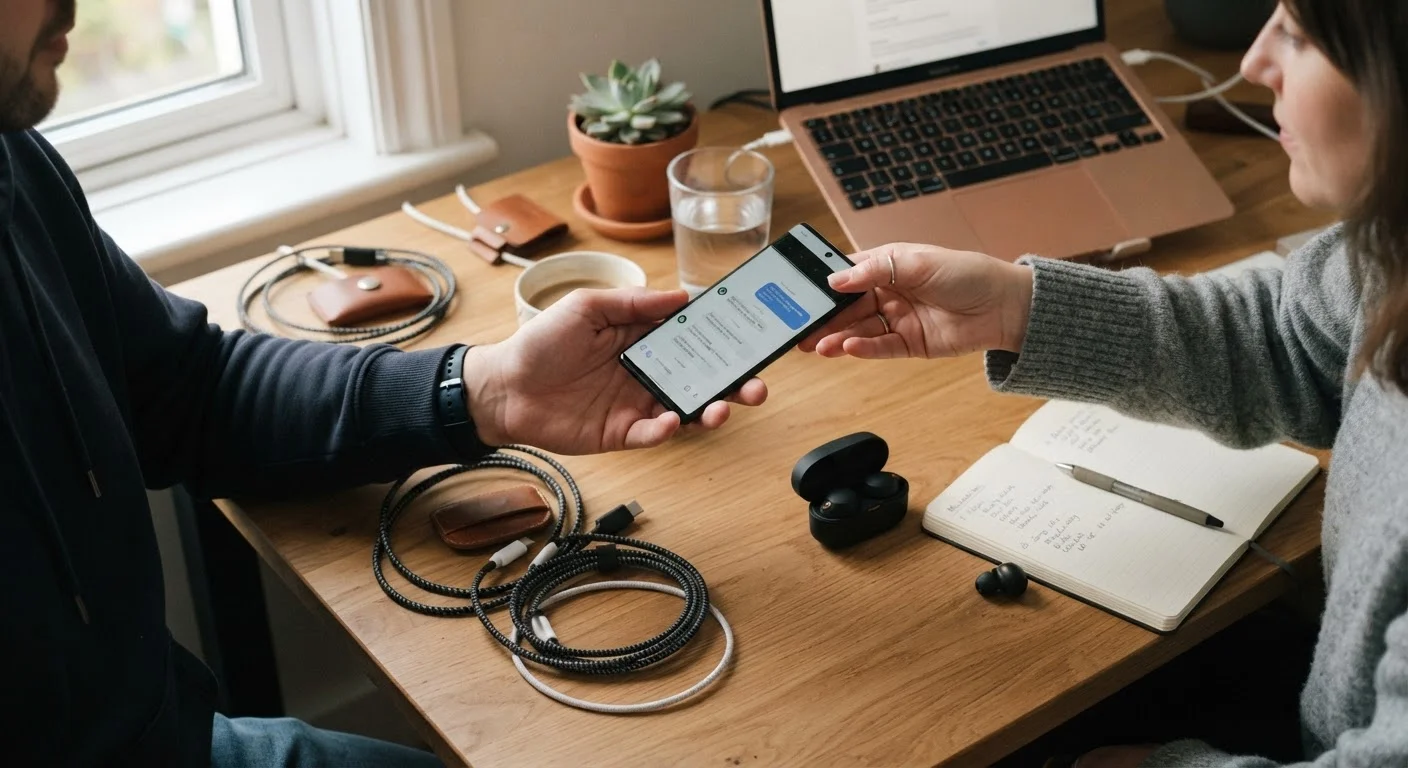
Photo credit: TheBlogZappier.com | Simple Search, Credible Results
In this article
From forgotten app subscriptions to incompatible accessories, here are the upgrade pitfalls worth knowing about ahead of time.
Key Takeaways
- App subscriptions tied to your old phone's platform may not transfer automatically to a new one.
- Accessories including cases and chargers often don't carry over, especially when switching between ecosystems.
- Data backups need to be verified — not just initiated — before you wipe or trade in your old device.
- Carrier compatibility depends on network bands, not just unlocked status.
- Two-factor authentication apps can lock you out of accounts if not migrated carefully before switching.
Why Phone Upgrades Go Sideways
Switching phones looks straightforward on paper: back up, transfer, set up. In practice, there are a handful of friction points that catch people off guard — not because they're careless, but because the process involves more moving parts than it appears. Whether you're moving within the same platform or jumping from one ecosystem to another, the gaps tend to show up after you've already let go of the old device.
If you're starting from scratch on understanding what to look for in a phone, this primer on smartphone basics is a useful place to begin. For those who want a full pre-switch checklist, these questions to work through before switching can help you plan ahead. The mistakes below are the ones worth knowing before you're in the middle of the process.
Common Mistakes When Switching Phones
Each of these errors is easy to avoid — but only if you know to look for it in advance.
Assuming the backup completed successfully without verifying it.
Why it happens: Most backup tools show a progress bar or a timestamp, which people interpret as confirmation. But partial backups — missing photos, contacts, or app data — are common, especially if storage space ran out mid-process.
Not accounting for app subscriptions tied to a specific platform.
Why it happens: Subscriptions purchased through the App Store or Google Play are linked to that platform's account. When switching ecosystems, those purchases don't transfer — you may need to re-subscribe at full price on the new platform.
Trading in the old phone before migrating two-factor authentication (2FA) apps.
Why it happens: 2FA apps like authenticator apps generate one-time codes locally — they're not automatically backed up to the cloud. Handing over your old phone without transferring these can lock you out of important accounts.
Buying accessories before confirming compatibility.
Why it happens: Cases, chargers, and cables from an old phone often don't fit a new one — especially across generations or brands. People assume physical similarities mean compatibility, which isn't reliable.
Assuming an unlocked phone will work on any carrier.
Why it happens: "Unlocked" means the phone isn't software-locked to one carrier — it doesn't guarantee it supports every carrier's network bands. A phone built primarily for one region's frequencies may work poorly or not at all on certain networks.
Forgetting to sign out of accounts on the old device before trading it in.
Why it happens: Setup on the new device absorbs attention, and the old phone feels irrelevant once data has transferred. But accounts left active — including Apple ID or Google Account — can trigger activation locks or leave personal data accessible.
A Few More Things Worth Watching
Beyond the individual mistakes above, a couple of broader patterns are worth keeping in mind.
~40%
Smartphone users who switch platforms over a device's lifetime
Industry surveys have consistently found that a significant share of smartphone upgrades involve moving between iOS and Android, making cross-platform data compatibility a routine concern.
1 in 3
People who experience data loss during a device transfer
Consumer technology research has indicated that partial data loss — including photos, contacts, or app data — is a common outcome when users don't verify backups before switching devices.
Ecosystem lock-in is real but often invisible. If you're switching between Android and iOS (or the reverse), some data — like iMessage history, certain health data formats, or app-specific save files — may not move cleanly. Check app by app for anything you rely on regularly, rather than assuming a single bulk transfer handles everything.
Security settings reset on a new device. App permissions, screen lock preferences, and saved passwords don't always carry over automatically. Before you finish setup, review your security configuration from scratch. Our guide on phone security settings and habits walks through the practical steps worth taking on any new device.
Don't Wipe the Old Phone Too Soon
It's tempting to factory reset your old phone the moment your new one is set up. Resist the urge for at least a few days. Use the new phone as your primary device and confirm that your contacts, photos, apps, and account access all work as expected before erasing anything. Recovering data from a wiped device is often difficult or impossible.
Finally, if cost is part of your decision-making process, understanding how a phone purchase fits into your broader spending is worth a moment. General budgeting resources — like those covering budgeting basics — can help frame a device purchase against your other priorities without overcomplicating it.

Author
Tech & Electronics Editorial Team
Tech & Electronics Editorial Team is the collective byline for our editorial team and contributor network. Articles published under this byline or an editorial pen name are researched, written, and reviewed according to our editorial standards for clarity, consistency, and independence before publication.
View all articles →