
Keeping Your Phone Secure: Settings and Habits That Actually Help
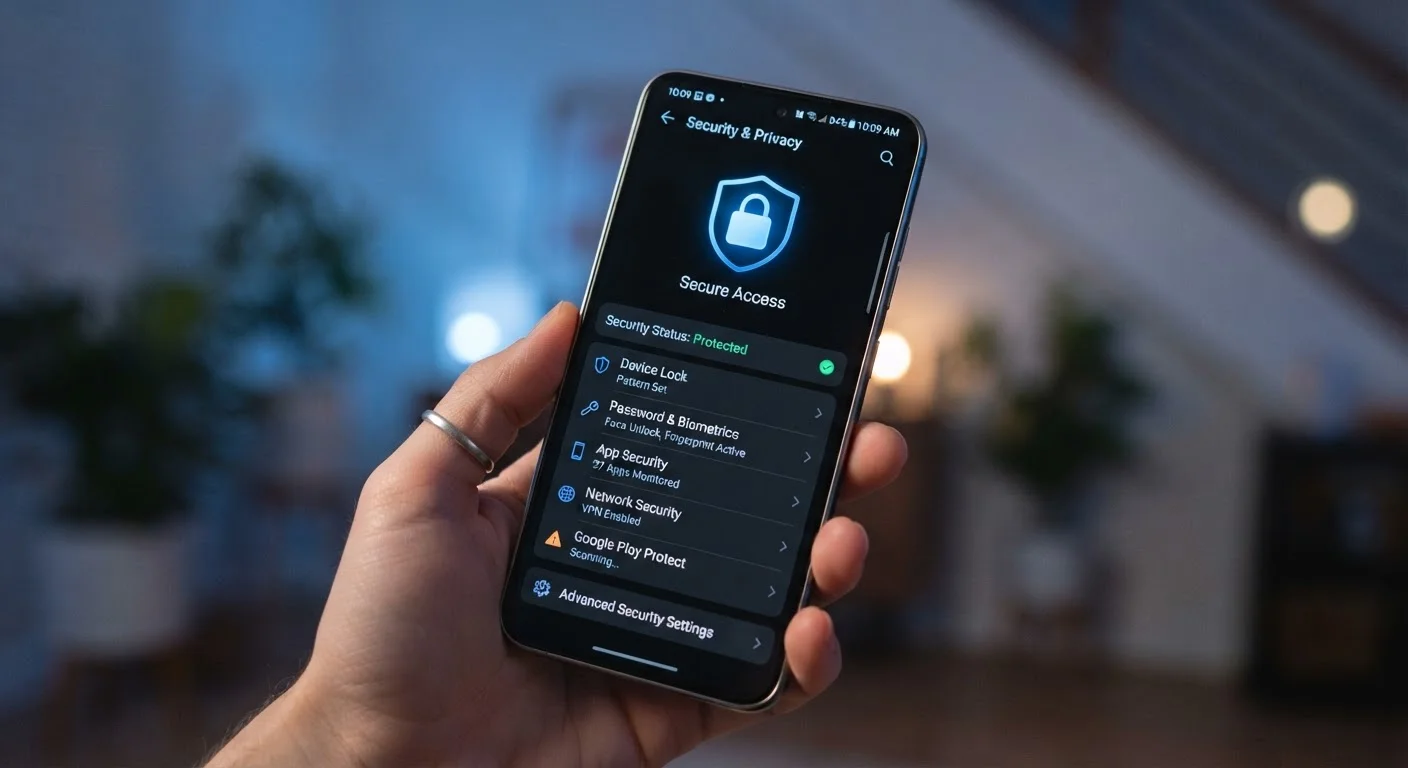
Photo credit: TheBlogZappier.com | Simple Search, Credible Results
In this article
Practical, non-technical guidance on locking down your smartphone — from screen locks to app permissions and account hygiene.
Key Takeaways
- A strong screen lock — ideally a PIN or biometric — is your first and most important security layer.
- App permissions should be reviewed regularly; many apps request access they don't genuinely need.
- Keeping your operating system updated closes security vulnerabilities attackers actively exploit.
- Two-factor authentication on your key accounts protects you even if a password is compromised.
- Public Wi-Fi without a VPN exposes your data to anyone on the same network.
Why Phone Security Is Worth Your Attention
Your smartphone holds more sensitive information than most people stop to think about — bank apps, email, photos, saved passwords, and payment details all live in one pocket-sized device. Losing it, or having it accessed by someone who shouldn't, can cause real harm. The good news is that most meaningful protections don't require technical expertise. They require a handful of deliberate settings choices and a few habits you can build quickly.
If you're just getting started with a device, our beginner's guide to smartphones covers the fundamentals before diving into security specifics.
Lock Screen and Authentication: Your First Line of Defense
The most immediate thing you can do is make sure your phone requires authentication to unlock. A six-digit PIN is far stronger than a four-digit one, and a strong alphanumeric passcode is stronger still. Biometrics — fingerprint readers and face unlock — add convenience without sacrificing security, provided they're backed by a solid PIN fallback.
Avoid patterns (swipe shapes), which are easy to observe over someone's shoulder and leave smudge trails on screen. Also turn off lock screen notifications that show message previews — a glimpse at your screen can expose sensitive information even when the phone is locked.
Set Your Screen to Lock Quickly
Adjust your auto-lock timer to 30 seconds or one minute. A phone that stays unlocked for several minutes after you set it down gives a bystander a meaningful window of access. Most people don't notice the short timer after a day or two of adjustment.
App Permissions: Audit What You've Already Allowed
Every app you install may request access to your location, camera, microphone, contacts, or storage. Some of those requests are legitimate; many are not. Both Android and iOS let you review and revoke permissions app by app in your Settings menu — it's worth doing this for any app you've had for more than a few months.
A practical rule: if an app doesn't have an obvious reason to need a permission, don't grant it. A flashlight app doesn't need your contacts. A game doesn't need your microphone. Set location access to "while using the app" rather than "always" wherever possible, and revisit this list every few months.
Use a PIN or passphrase of at least six characters as your screen lock backup
Shorter PINs and swipe patterns are easier to guess or observe. A longer PIN or alphanumeric passphrase significantly raises the effort required to brute-force your device. Biometrics are convenient but always rely on a PIN fallback, so the PIN itself matters.
Review app permissions every few months and revoke any that seem unnecessary
Apps accumulate permissions over time, and your habits or needs change. An app you granted broad access to a year ago may no longer need it — or you may no longer use it at all. Regular audits keep your exposure limited.
Enable two-factor authentication on your email and financial accounts
Your email account is often the recovery point for every other account. If someone gains access to it, they can reset passwords elsewhere. Adding a second verification step makes unauthorized access substantially harder even with a correct password.
Install operating system updates promptly rather than deferring them
Security patches address specific vulnerabilities that are often already known to attackers by the time a fix is released. The longer you wait, the longer you remain exposed to issues that have already been identified and disclosed.
Avoid using public Wi-Fi for sensitive tasks without a VPN
Open networks don't encrypt traffic between your device and the router. Anyone with basic tools and access to the same network could potentially monitor unencrypted data in transit. A VPN creates an encrypted tunnel that limits this exposure.
Account Security and Software Updates
Your phone's security is only as strong as the accounts linked to it. Enable two-factor authentication (2FA) — sometimes called two-step verification — on your email, banking, and any account that matters. This means a stolen password alone isn't enough to get in. Authenticator apps generate codes locally on your device and are generally more secure than SMS codes, though SMS-based 2FA is still much better than nothing.
Software updates are equally critical. When your phone manufacturer or app developer releases an update, it frequently contains fixes for known security vulnerabilities. Delaying updates leaves those gaps open. For a deeper look at why this matters, see our article on why software updates matter more than most people realise.
80%+
Of breaches involving weak or stolen credentials
Verizon's annual Data Breach Investigations Report has consistently found that compromised credentials are involved in the large majority of data breaches, reinforcing why account security habits matter.
~30%
Of US adults without a phone screen lock
Surveys conducted by Pew Research Center have found a significant share of smartphone users do not use any screen lock, leaving devices fully accessible if lost or stolen.
Finally, be cautious on public Wi-Fi. Networks in cafes, airports, and hotels are shared — without a VPN (Virtual Private Network), data you send over them can potentially be intercepted. A VPN encrypts your connection, making it far harder for anyone on the same network to see what you're doing.
If you're thinking about switching phones and want to make sure your security settings carry over cleanly, our checklist for switching phones is worth a read before you start.
What Happens When You Lose Your Phone
Both Android (Find My Device) and iOS (Find My) offer built-in tools to locate, lock, or remotely erase a lost or stolen phone. Make sure these features are enabled in your account settings before you need them — they require setup in advance and won't work on a device that's been wiped or is offline.

Author
Tech & Electronics Editorial Team
Tech & Electronics Editorial Team is the collective byline for our editorial team and contributor network. Articles published under this byline or an editorial pen name are researched, written, and reviewed according to our editorial standards for clarity, consistency, and independence before publication.
View all articles →