
Why Software Updates Matter More Than Most People Realise
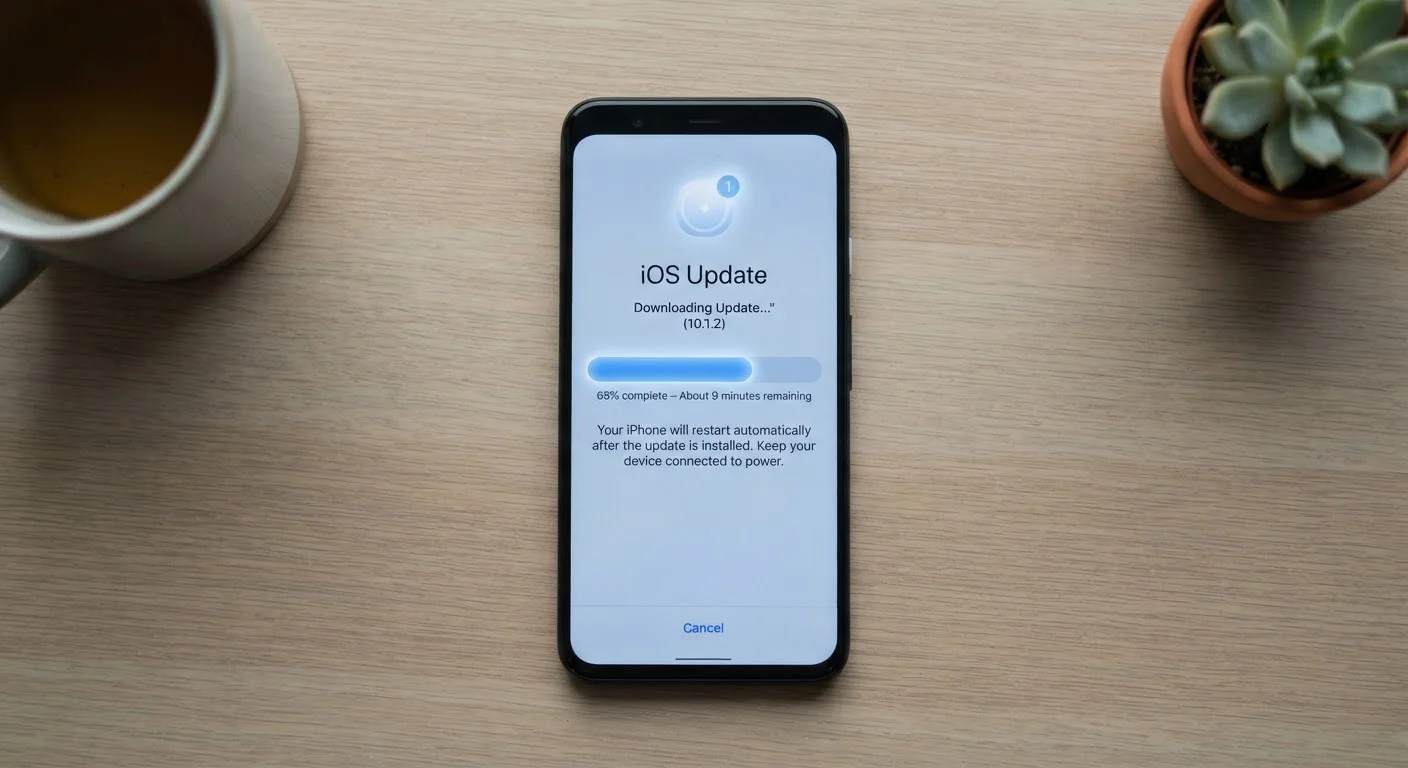
Photo credit: TheBlogZappier.com | Simple Search, Credible Results
In this article
Security patches, bug fixes, and new features — understanding the real role of software updates in keeping your device safe.
Key Takeaways
- Security patches are the most critical part of any software update — they close known vulnerabilities attackers actively exploit.
- Skipping updates doesn't freeze your device in a safe state; it leaves known flaws unaddressed while threats continue to evolve.
- Bug fixes and performance improvements in updates can meaningfully affect how your device feels and behaves day to day.
- Most devices allow automatic updates, which is the simplest way to stay protected without having to think about it.
What's Actually Inside a Software Update
When a notification pops up saying an update is ready, it's easy to dismiss it as a minor inconvenience. In reality, that notification often represents something more significant than it appears.
Software updates typically contain three types of changes working together: security patches, bug fixes, and feature additions. Security patches are the most time-sensitive. They address specific vulnerabilities — weaknesses in code that attackers could use to access your data, hijack your device, or install malicious software. Bug fixes resolve errors that cause apps to crash, drain the battery unexpectedly, or produce incorrect results. Feature changes tend to get the most attention but are often the least urgent.
Understanding this layering matters because it changes how you think about skipping updates. Holding off on a cosmetic redesign you don't like is one thing. Leaving a known security vulnerability unpatched for weeks is another — and that's often what actually happens when people delay.
What "End of Support" Actually Means
When a device or operating system reaches its end-of-support date, the manufacturer stops releasing security patches for it. This doesn't mean the device stops working — it means newly discovered vulnerabilities will no longer be fixed. Over time, this increases risk, particularly for devices used for sensitive tasks like banking or email. It's one of the real factors worth considering when thinking through a phone upgrade.
Why Security Patches Are Time-Sensitive
When a security flaw is discovered in software, there's a window of time between public disclosure and when most users install the fix. Attackers know this window exists and actively target it. Security researchers use the term "zero-day" to describe vulnerabilities that were unknown to the software maker when they were first exploited — meaning no patch existed yet. But many real-world attacks target older, already-patched vulnerabilities on devices that simply haven't updated.
This is why the delay between an update becoming available and you installing it matters more than most people realise. The longer you wait, the longer your device operates with a publicly known weakness.
60%+
Of breaches exploit already-patched vulnerabilities
Security research has consistently found that a majority of successful attacks target known vulnerabilities for which patches were already available but not yet applied by the victim.
30 days
Typical gap between patch release and mass exploitation
Cybersecurity researchers have observed that after a patch is released, attackers often begin mass-exploiting the underlying vulnerability within weeks, targeting unpatched systems.
For phones specifically, keeping up with updates is one of the most straightforward security habits you can maintain. For more hands-on security steps, see practical guidance on locking down your smartphone.
Updates and Device Performance Over Time
There's a persistent belief that software updates slow older devices down deliberately. The reality is more nuanced. Updates are generally written to run on a range of hardware, and sometimes new software features do demand more processing power than older hardware can comfortably provide. But skipping updates doesn't preserve performance — it just avoids one variable while leaving others unaddressed.
Bug fixes in updates can actually improve how smoothly a device runs. Memory management improvements, battery efficiency tweaks, and stability fixes all accumulate over time. A device that hasn't updated in a year may have missed several meaningful performance improvements alongside the security patches.
Enable automatic updates on every device you own.
Manual updates rely on you remembering to act — and during busy periods, that often means weeks pass without patches being installed. Automatic updates close that gap without requiring ongoing attention.
Don't delay security-only patches even if you skip feature updates.
Security patches address active vulnerabilities. Waiting until it's convenient gives attackers more time to exploit a weakness that's already publicly known.
Check for updates on devices beyond your main phone or laptop.
Smart TVs, routers, tablets, and other connected devices receive security updates that are easy to overlook. Attackers have used these overlooked devices as entry points into home networks.
Back up important data before installing major operating system updates.
Large OS updates rarely cause problems, but having a recent backup means you're protected if something unexpected occurs during installation.
For a fuller picture of why older devices slow down, what actually causes a phone's performance to change over time covers both hardware and software factors honestly.
Simple Habits That Keep You Current
The most effective strategy is also the simplest: turn on automatic updates wherever the option exists. On most smartphones and computers, this setting is available in the system or general settings menu under a label like "Software Update" or "System Update." Enabling automatic updates means security patches install in the background, often overnight, without interrupting your day.
If you manage a household with multiple devices — including tablets, smart TVs, or routers — the same principle applies. These devices receive security updates too, and they're often overlooked. For computers specifically, consistent update habits are covered in more depth in keeping a computer running well over time.
One practical note: before installing a major operating system update (not a routine patch), it's worth making sure your important data is backed up. Major updates are generally safe, but having a backup is a sound habit regardless. For a look at common beliefs about devices that don't always hold up, common computer myths that lead to bad decisions is worth a read.

Author
Tech & Electronics Editorial Team
Tech & Electronics Editorial Team is the collective byline for our editorial team and contributor network. Articles published under this byline or an editorial pen name are researched, written, and reviewed according to our editorial standards for clarity, consistency, and independence before publication.
View all articles →