
Smartphones from Scratch: Everything a First-Time Buyer Should Understand
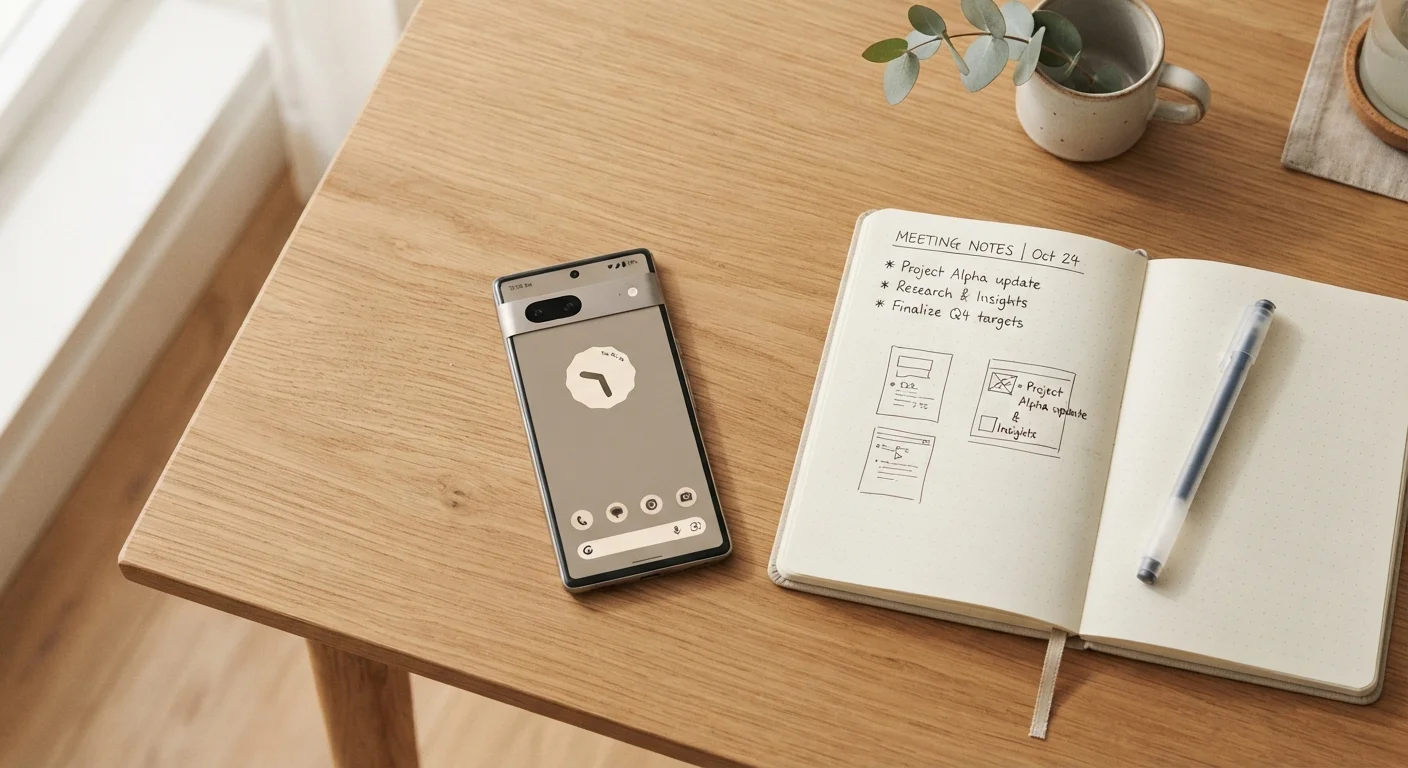
Photo credit: TheBlogZappier.com | Simple Search, Credible Results
In this article
A friendly, jargon-free introduction to how smartphones work, what specs to consider, and how to evaluate your options.
Key Takeaways
- A processor and RAM together determine how smoothly a phone handles everyday tasks.
- Storage space and battery capacity have more impact on daily experience than most headline specs.
- Android and iOS are meaningfully different ecosystems — your choice shapes app access and long-term usability.
- 5G matters only if your carrier and location support it; don't pay extra for coverage you won't use.
- A certified refurbished phone can offer solid value, provided you verify its condition grading and warranty.
What a Smartphone Actually Does
A smartphone is a pocket-sized computer that also makes calls. At its core, it runs software (apps) on hardware components — a processor, memory, storage, a screen, cameras, and radios for wireless communication. Understanding how those pieces fit together helps you evaluate options without getting lost in marketing jargon.
Unlike a basic cell phone, a smartphone connects to the internet over both cellular networks and Wi-Fi, runs third-party apps, and syncs data across devices. If you're already familiar with computers, many concepts carry over — though smartphones are optimized for portability and touch input rather than raw computing power. For a useful side-by-side on how the two differ, see our complete guide for first-time computer buyers.
Processor (SoC)
The chip that runs all software on your phone. SoC stands for System on a Chip — it combines the CPU, graphics processor, and other components into one unit. Faster processors handle demanding tasks more smoothly.
RAM
Random Access Memory is short-term working memory. Your phone uses it to keep apps ready so you can switch between them without waiting for them to reload.
Storage
Permanent space for everything saved on your phone — apps, photos, videos, and files. Unlike RAM, storage isn't cleared when you restart. Capacity is measured in gigabytes (GB).
Operating System (OS)
The software platform that powers your phone and runs all apps. Android and iOS are the two dominant mobile operating systems. Each has its own app store, design language, and ecosystem.
Refresh Rate
How many times per second a screen redraws the image, measured in hertz (Hz). Higher rates — like 90 Hz or 120 Hz — make scrolling and animations look smoother.
NFC
Near Field Communication is a short-range wireless technology built into most smartphones. It's what enables tap-to-pay at checkout terminals and quick pairing with compatible accessories.
Carrier Lock
A software restriction that limits a phone to working only on one carrier's network. Unlocked phones work with any compatible carrier. Many phones unlock automatically after a period of service.
The Specs That Matter Most
Spec sheets can be intimidating, but only a handful of numbers actually affect your daily experience.
Processor (Chip)
The processor handles every computation your phone performs. A faster chip means snappier app launches, smoother video playback, and better camera processing. You don't need to memorize chip model numbers — look for reviews that describe real-world performance in tasks similar to how you'd use the phone.
RAM
RAM determines how many apps can stay active in the background without reloading. For typical use — browsing, messaging, streaming — 6 GB is a reasonable floor; power users benefit from 8 GB or more.
Storage
Photos, apps, and downloads live here. Unlike RAM, storage doesn't empty when you restart. Most users are well-served by 128 GB. If a phone doesn't have a microSD card slot (many don't), the storage you buy is all you get.
Battery Capacity
Measured in milliamp-hours (mAh), a larger number generally means longer run time — but screen size and software efficiency matter just as much. Real-world battery life varies significantly; look for independent testing benchmarks rather than manufacturer claims.
Display
Screen size is personal preference. Refresh rate — measured in Hz — affects how fluid scrolling and animations feel. A 90 Hz or 120 Hz display feels noticeably smoother than a standard 60 Hz panel. Resolution affects sharpness; anything above 1080p looks crisp on a phone-sized screen.
Skip the spec sheet, read real-world reviews
Manufacturer spec sheets show numbers under ideal conditions. Independent reviewers test phones the way actual users do — in different lighting, with real apps, over several days of use. Prioritizing hands-on battery, camera, and performance tests gives you a far more accurate picture than a raw spec comparison.
Choosing an Operating System
Every smartphone runs one of two major operating systems: Android or iOS. This is one of the most consequential decisions you'll make, because it shapes which apps you can access, how your data is handled, and how long your device receives security updates.
Android runs on phones from many different manufacturers, giving you a wide range of hardware choices. iOS runs exclusively on iPhones. Both platforms are mature and capable, but they differ in customization flexibility, default privacy settings, and ecosystem integration with other devices you may own.
If you have family or friends already on one platform, consider how cross-platform features like messaging and file sharing work between devices. Our Android vs. iOS comparison walks through the practical differences without pushing you toward either option.
Connectivity and Coverage
Smartphones communicate wirelessly in several ways: cellular networks (for calls and mobile data), Wi-Fi, Bluetooth, and sometimes NFC (Near Field Communication, used for tap-to-pay). Each standard has its own version history and practical implications.
The jump from 4G LTE to 5G is worth understanding. 5G can offer significantly faster download speeds and lower latency in areas with strong coverage, but network availability varies widely by carrier and location across the US. Paying for 5G capability makes sense for a phone you plan to use for several years, since coverage continues to expand. For a plain-language breakdown of every connectivity label you'll see on a spec sheet, see our Connectivity Glossary.
Carrier compatibility varies by phone model
Not every phone supports every carrier's frequency bands. This matters especially if you're buying an unlocked phone and plan to use it on a smaller carrier or travel internationally. Before purchasing, verify that the specific model you're considering is compatible with your intended carrier's network bands.
What to Think About Before You Decide
Before settling on a phone, it helps to work through a few practical questions:
- How do you primarily use a phone? Casual communication and light browsing have different requirements than photography or mobile gaming.
- What's your carrier situation? Some phones are locked to specific networks or don't support all carrier frequency bands. Confirm compatibility before purchasing.
- How long do you plan to keep it? A phone that receives software security updates for five or more years costs you less in the long run than one that goes unsupported after two. Check the manufacturer's published update policy.
- New, refurbished, or previous-generation? A phone released one generation ago often has most of the same capabilities at a lower price point. Certified refurbished is another avenue — see our myth-busting article on what refurbished phones really are for what to verify.
Once you've chosen a phone, be aware that switching from one platform or carrier to another comes with its own set of considerations. Our article on the tricky parts of switching phones covers the common friction points worth knowing about ahead of time.
Android vs. iOS Side-by-Side
A clear, opinion-free comparison of Android and iOS covering privacy, app selection, customization, and long-term usability — useful if you're undecided on which platform suits you.
Connectivity Glossary
A quick-reference breakdown of 5G, Wi-Fi 6, Bluetooth, and NFC — every wireless standard you'll encounter on a smartphone spec sheet, explained in plain language.
What Happens to Phone Performance Over Time
A candid look at why older phones can feel slower, how much comes from hardware wear versus software changes, and what to realistically expect over a phone's lifespan.
Frequently Asked Questions

Author
Tech & Electronics Editorial Team
Tech & Electronics Editorial Team is the collective byline for our editorial team and contributor network. Articles published under this byline or an editorial pen name are researched, written, and reviewed according to our editorial standards for clarity, consistency, and independence before publication.
View all articles →