
The Lifespan of a Laptop: What Affects How Long It Lasts
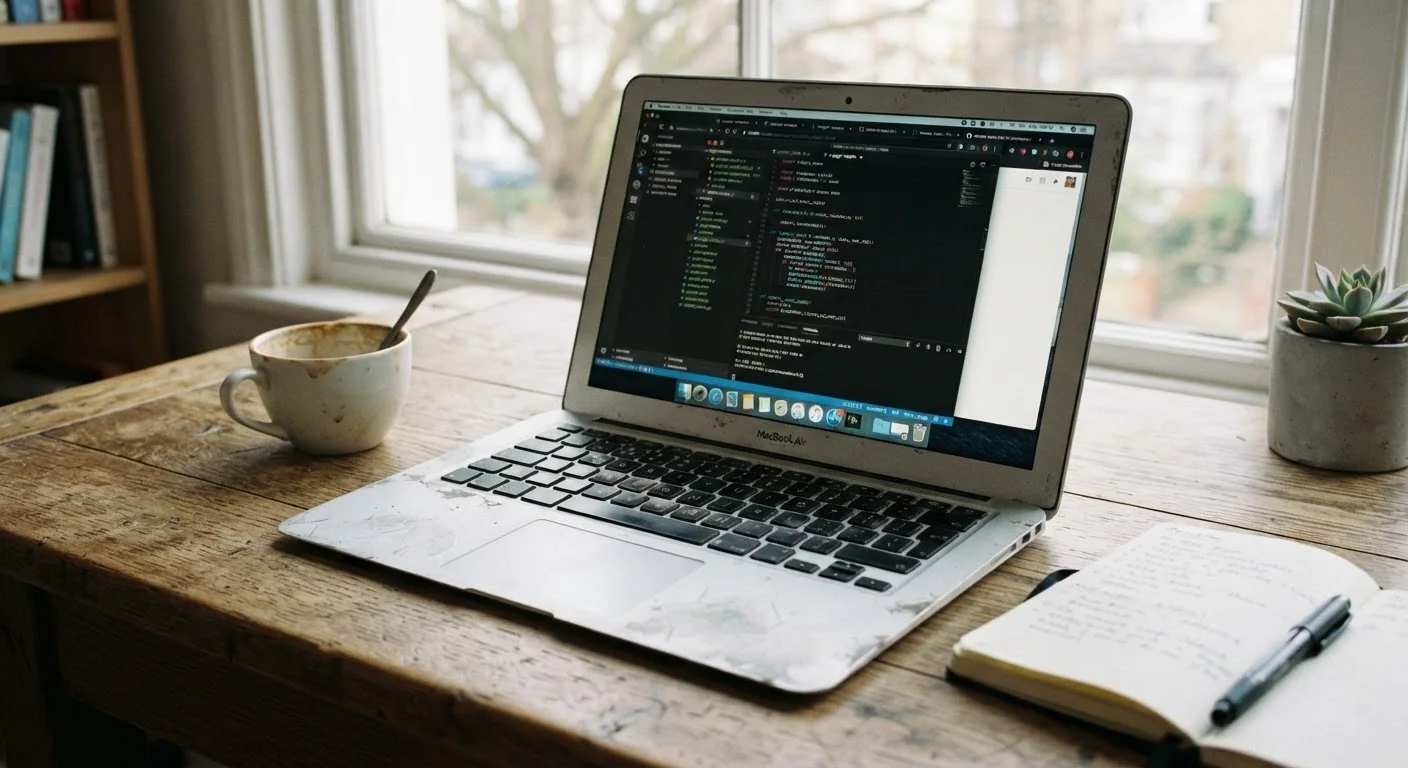
Photo credit: TheBlogZappier.com | Simple Search, Credible Results
In this article
Build quality, thermal design, battery cycles, and software support all influence how long a laptop remains usable. Here's what to know.
Key Takeaways
- Most laptops remain genuinely useful for three to seven years, depending on several factors.
- Build quality and thermal design affect how well internal components hold up over time.
- Battery degradation is often the first sign a laptop is aging, but it can sometimes be replaced.
- Software support windows — especially OS updates — set a hard ceiling on practical usability.
- How you use and maintain a laptop has a real impact on how long it lasts.
Why Lifespan Isn't a Single Number
Ask how long a laptop lasts and you'll get answers ranging from two years to a decade — and both can be accurate. That range exists because lifespan isn't determined by hardware alone. It's the product of how capable the machine was at purchase, how it's been cared for, what tasks it's asked to handle, and whether the software ecosystem around it continues to keep pace.
A budget laptop bought for light web browsing may feel completely adequate for five years if nothing about those needs changes. A more powerful machine used for video editing might hit its performance ceiling sooner simply because the demands of that software keep climbing. Understanding what actually drives longevity helps you set realistic expectations — and make smarter decisions about when to repair versus replace.
Build Quality and Thermal Design
The physical construction of a laptop affects how its internal components age. Chassis materials matter less than the engineering decisions around cooling: how heat is moved away from the processor and other components during sustained use. Laptops that run consistently hot — either by design or because vents are blocked — put their hardware under ongoing thermal stress that compounds over time.
Better thermal design usually means larger or more efficient heat pipes, fans with adequate airflow paths, and a chassis layout that doesn't trap heat. These details rarely appear prominently in spec sheets, but they have a direct bearing on how well a laptop holds up through years of use. Dust accumulation inside the chassis is a related issue — it degrades airflow gradually, and periodic cleaning can meaningfully extend a machine's useful life. See practical habits for keeping a laptop running well for guidance on maintenance routines that actually make a difference.
Check Vents Before You Worry About Specs
If your laptop is running hot or the fans are constantly loud, the first thing to check is whether the intake and exhaust vents are clear. Using a laptop on a flat, hard surface rather than a pillow or lap can make a noticeable difference in operating temperature — and temperature is one of the biggest variables in long-term component wear.
Battery Degradation Over Time
Laptop batteries lose capacity with every charge cycle — that's a chemical reality of lithium-ion technology, not a flaw. Most batteries are rated for somewhere between 300 and 1,000 full charge cycles before capacity drops noticeably, though real-world results vary by how the battery is used and stored. After a few years of daily use, many laptops hold noticeably less charge than they did new.
Battery degradation is often the first thing users notice about an aging laptop — the machine still works fine, it just doesn't last as long unplugged. In some laptops, the battery can be replaced, which can give a capable but aging machine a meaningful second wind. In others, the battery is integrated in ways that make replacement difficult or expensive. How manufacturers measure battery life and how real-world use compares is a separate but related topic worth understanding.
300–1,000
Typical lithium-ion battery charge cycle rating
Manufacturers generally rate laptop batteries in this range before significant capacity loss, though real-world results vary based on temperature, charge habits, and usage intensity.
3–7 years
Typical practical laptop lifespan
This range reflects a combination of hardware durability, software support windows, and shifting user needs — not a single failure point.
Software Support: The Hard Ceiling
Even a laptop with perfectly functional hardware becomes increasingly difficult to use safely once its operating system stops receiving security updates. This is a hard ceiling that hardware condition can't override. Windows, macOS, and ChromeOS each have defined support windows, and older hardware eventually falls outside what newer OS versions will run on.
For many users, software support — not hardware failure — is what actually ends a laptop's practical life. A machine that can no longer receive OS updates shouldn't be used for anything sensitive online. Knowing roughly when support ends for your operating system is a useful factor when deciding whether a repair investment makes sense. This dynamic plays out similarly with phones — how phone performance changes over time follows a comparable pattern of hardware capability meeting software demand.
ChromeOS Has Explicit End-of-Support Dates
Chromebooks are notable for publishing "Auto Update Expiration" (AUE) dates — the point at which a device stops receiving ChromeOS updates. These dates are tied to the specific hardware model, not just the OS version. Google makes these dates publicly available, which makes it easier to factor end-of-support into purchase and replacement decisions.
How Usage Patterns Shape Longevity
Two people can buy identical laptops and end up with very different experiences five years later, based purely on how they use and treat them. Running a laptop on a soft surface like a bed or a couch — which blocks vents — generates more heat than using it on a hard, flat surface. Keeping the battery perpetually at 100% charge accelerates its degradation compared to maintaining it in a mid-range state for storage.
Heavy workloads stress components more than light ones, but regular moderate use is less damaging than erratic bursts of extreme load followed by long dormancy. Physical handling matters too: repeated drops and pressure on the display or keyboard deck introduce structural wear that accumulates. None of this means treating a laptop like a museum piece — it means understanding that everyday decisions add up over the life of the machine.
If you're weighing whether a laptop's limited upgradability is a concern for long-term value, the trade-offs between desktops and laptops are worth reviewing — desktops generally offer more flexibility to extend hardware life through component upgrades.
Frequently Asked Questions

Author
Tech & Electronics Editorial Team
Tech & Electronics Editorial Team is the collective byline for our editorial team and contributor network. Articles published under this byline or an editorial pen name are researched, written, and reviewed according to our editorial standards for clarity, consistency, and independence before publication.
View all articles →