
Streaming Audio Quality Settings: What Bitrate and Codec Actually Affect
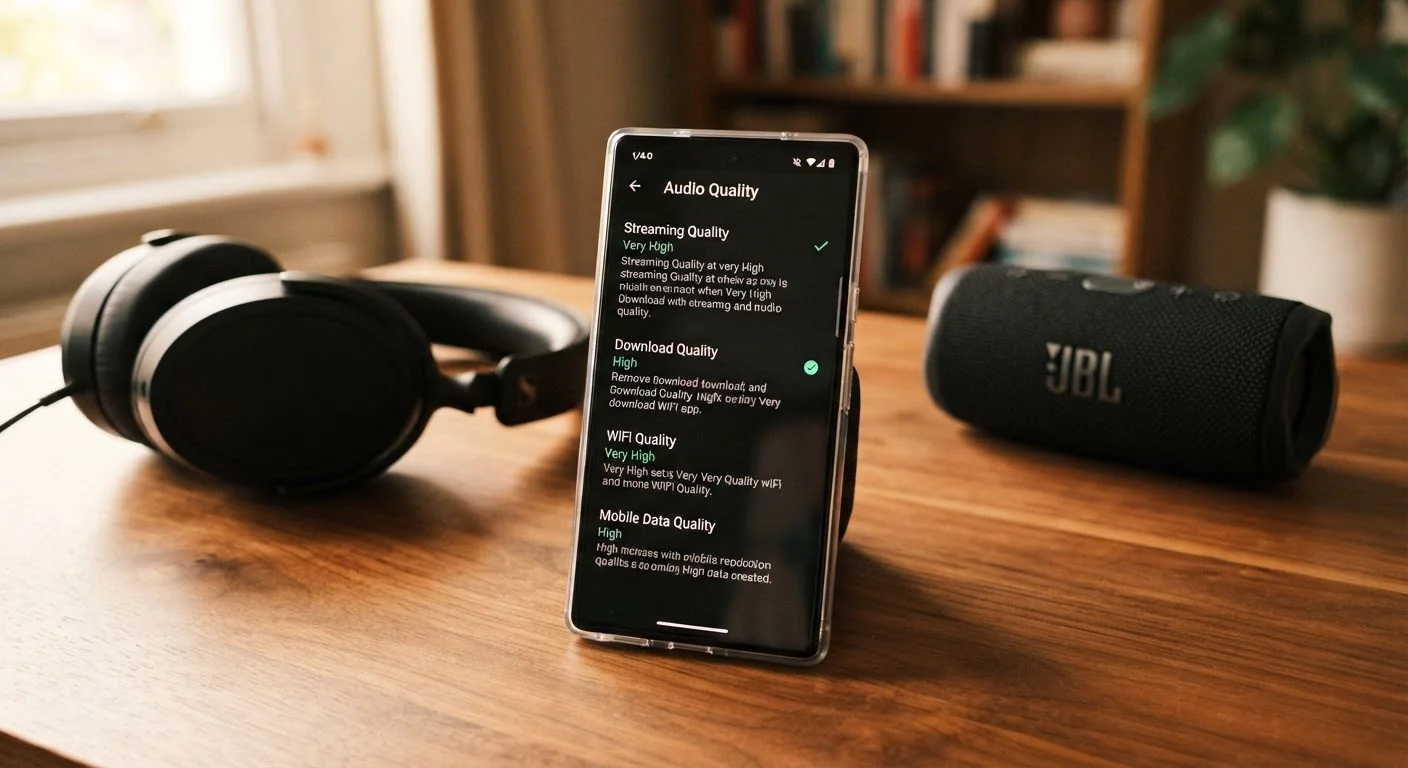
Photo credit: TheBlogZappier.com | Simple Search, Credible Results
In this article
Understand what audio bitrate, codecs like AAC and FLAC, and 'lossless' labels genuinely change about what reaches your ears.
Key Takeaways
- Bitrate controls how much data is used per second; higher generally means less compression, but only up to a point your ears can detect.
- The codec (AAC, MP3, FLAC, Opus, etc.) determines how audio is compressed — some methods are far more efficient than others at identical bitrates.
- 'Lossless' means no data was discarded in compression, but whether you can hear a difference depends heavily on your playback gear and listening environment.
- Most streaming services cap their standard tier around 320 kbps MP3 or equivalent — a level most listeners find transparent on typical consumer equipment.
- Your speakers, headphones, room acoustics, and hearing all shape the final sound more than the difference between high-quality streaming tiers.
How Bitrate Shapes What You Hear
When a streaming service encodes a song, it strips away some audio data to make the file smaller and faster to transmit. Bitrate is the budget assigned to that process — how many kilobits of data are sent every second. A 128 kbps stream has less than half the data of a 320 kbps stream, which means the encoder has to make harder tradeoffs about what to discard.
The parts of a recording most vulnerable to low bitrates include subtle high-frequency details — the shimmer of cymbals, the breath of a vocalist, the spatial sense of a room. As bitrate drops below roughly 192 kbps, many listeners begin to notice a slightly muffled or «swishy» quality in complex passages, especially on headphones.
Above about 256 kbps with a modern codec, those tradeoffs become very small. That does not mean there is zero difference, but the gap shrinks to the point where factors like your headphone quality or your room's acoustics will have a larger practical impact on what you actually perceive.
~256 kbps
AAC bitrate widely considered transparent by most listeners
Audio engineering literature generally cites this threshold as the point at which AAC compression artifacts become very difficult to detect in typical listening conditions.
~10×
Data reduction from CD to typical streaming stream
A standard CD audio stream runs at roughly 1,411 kbps; a 128 kbps stream represents about a 10:1 reduction in data, highlighting how much the codec's efficiency matters.
2–5×
Extra data used by lossless vs. high-bitrate lossy streams
Lossless streams typically require 1,000–1,500 kbps compared to roughly 256–320 kbps for high-quality lossy formats, which affects mobile data consumption significantly.
Codecs: Not All Compression Is Equal
Bitrate tells you how much data is available; the codec determines how intelligently that data is used. MP3 — developed in the late 1980s — was a landmark achievement for its era but uses relatively blunt tools to decide what to keep and what to drop. AAC, which became the default format for iTunes and most major streaming services, uses a more sophisticated model of human hearing to make those choices more efficiently.
The practical result: AAC at 256 kbps typically sounds closer to the original recording than MP3 at the same bitrate. Opus, a newer open-source codec, is optimized for lower bitrates and excels at voice and streaming video. FLAC (Free Lossless Audio Codec) takes a different approach entirely — it compresses audio without discarding any data, making it fully reversible on playback.
Understanding codec differences also matters when using wireless audio. As explained in our guide on wired vs. wireless audio tradeoffs, Bluetooth introduces a second compression stage that can undercut even a high-quality source stream.
What 'Lossless' Labels Actually Mean
Several streaming services now offer lossless or hi-res tiers, often marketed with significant fanfare. Lossless means the audio data is mathematically identical to what was on the master file — no information was permanently discarded. That is a meaningful technical distinction. Whether it translates to an audible one is a separate question.
Research into auditory perception consistently finds that trained listeners often cannot reliably identify lossless audio in blind tests when compared against high-bitrate AAC. Variables that genuinely shape what you hear include the quality of your digital-to-analog converter (DAC), your headphones or speakers, background noise levels, and your own hearing sensitivity.
This is not an argument against lossless — if you have resolving equipment and a quiet listening environment, you may notice a difference on certain recordings. But it is worth being skeptical of the assumption that upgrading to a lossless tier automatically means better-sounding music. For a broader look at common assumptions that don't hold up, see our piece on home audio myths.
Practical Decisions: Matching Settings to Your Setup
Choosing a streaming quality setting is really about matching the source to your playback chain. If you primarily listen through budget earbuds on a commute, the difference between a high-bitrate lossy stream and lossless will be difficult or impossible to hear — and the extra data usage on a mobile plan carries a real cost with no perceptible benefit.
On the other hand, if you listen at home through a good DAC and quality headphones or speakers, it is worth experimenting with higher settings. The gains are real for some people in some configurations — just not universal. Your speaker or soundbar setup also plays a significant role; a system that can't reproduce subtle high-frequency detail won't reveal whatever extra information a lossless file contains.
A reasonable approach: use the highest quality tier your data plan comfortably supports for home listening over Wi-Fi, and drop to a mid-tier (around 160–256 kbps) for mobile use. Pay attention to your actual listening experience rather than the number on the settings screen — it is the most reliable guide you have.
Test Your Settings Before Committing
Most streaming apps let you switch quality tiers without changing your plan. Try a blind comparison: queue the same song at different quality levels without looking at the setting, then see if you can reliably tell them apart. Your ears — not the label — are the most useful guide to whether a higher tier is worth the extra data.
Frequently Asked Questions

Author
Tech & Electronics Editorial Team
Tech & Electronics Editorial Team is the collective byline for our editorial team and contributor network. Articles published under this byline or an editorial pen name are researched, written, and reviewed according to our editorial standards for clarity, consistency, and independence before publication.
View all articles →