
Where Smart TV Ownership Gets Complicated
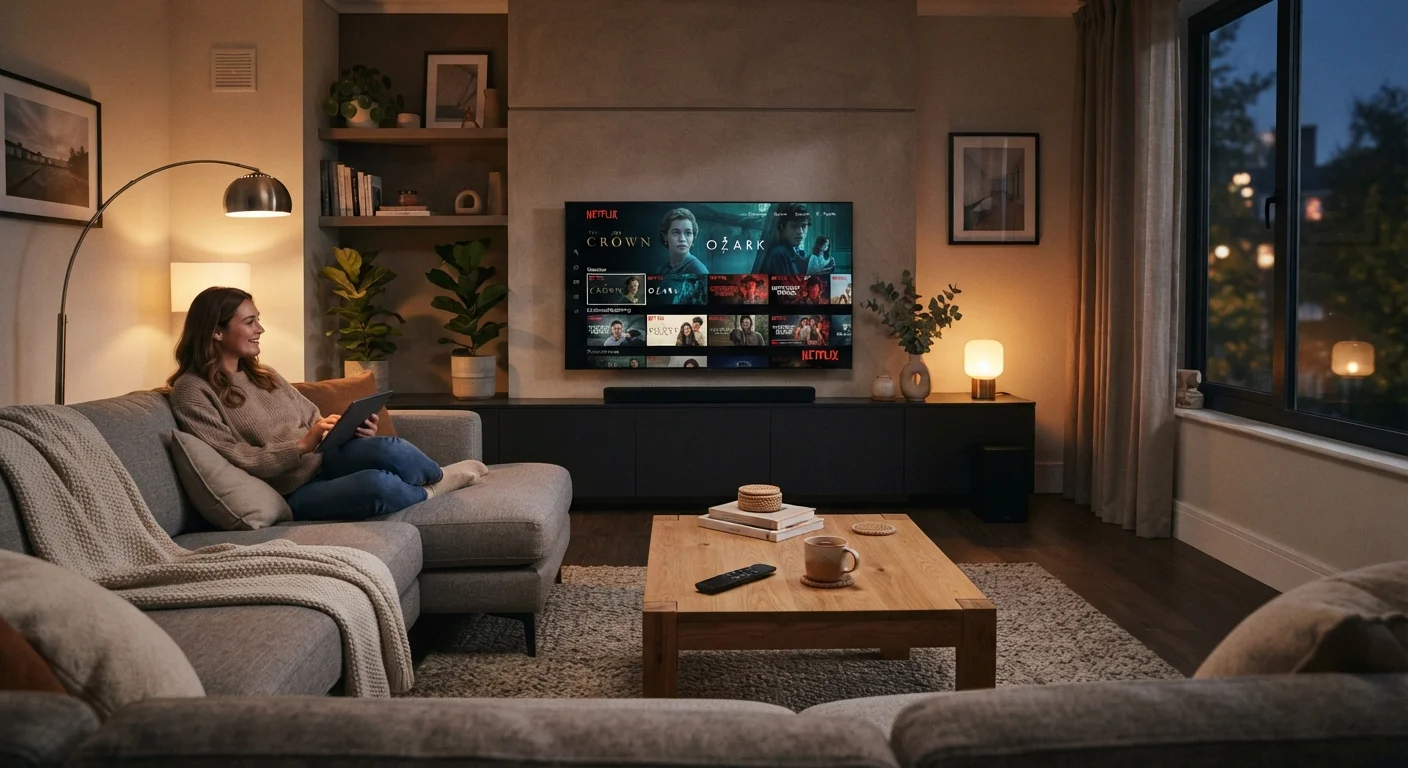
Photo credit: TheBlogZappier.com | Simple Search, Credible Results
In this article
Smart TVs collect data, receive software updates, and age out of support. Here's what consumers often discover only after setup.
Key Takeaways
- Smart TVs collect viewing data by default; opting out usually requires manual steps in settings.
- Software support windows vary by manufacturer and can leave older models without security patches.
- Built-in apps may disappear or degrade over time as licensing agreements change.
- A strong home network matters more for smart TVs than most buyers anticipate before purchase.
All streaming apps in one place, no extra hardware
Built-in platforms like Roku TV or Google TV give access to most major streaming services without needing a separate stick or box, reducing cable clutter.
Voice control and smart home integration
Many smart TVs work with Alexa, Google Assistant, or Apple HomeKit, letting users control playback and connected devices by voice or through a single app.
Automatic software updates can add features over time
Unlike traditional TVs, smart TVs can receive new apps and interface improvements via updates, sometimes meaningfully extending the platform's usefulness.
Screen mirroring and casting built in
Protocols like Chromecast, AirPlay, and Miracast let users push content from a phone or laptop to the TV screen without additional adapters on supported models.
No subscription required for basic smart features
Internet browsing, free ad-supported streaming apps, and home screen access are available without any ongoing fee beyond the initial purchase.
Data collection enabled by default on most models
Manufacturers collect viewing data, app usage, and in some cases screen-content samples through Automatic Content Recognition. Opting out requires manually adjusting settings that aren't always easy to find.
Software support windows are short and rarely disclosed
Most smart TV platforms receive active updates for three to five years after a model's release, after which security patches and app support may quietly stop — with no clear notification to the owner.
Apps can disappear without warning
Streaming app availability on smart TV platforms depends on licensing agreements between the app developer and the platform holder. A service that's available today may be pulled from a specific platform in the future.
Performance can degrade as the platform ages
The processor and memory in a smart TV are fixed at manufacture. As platform software grows more complex over time, older hardware can become noticeably slower to load apps and navigate menus.
Network dependency adds a new point of failure
Smart features require a stable Wi-Fi connection. A weak signal, ISP outage, or router issue can prevent access to all streaming apps simultaneously — something that never happened with a disc player or antenna.
Ad-supported interfaces can feel intrusive
Several smart TV home screens display promoted content and advertising directly on the launcher, regardless of which apps the user prefers, and these placements are generally not removable.
What Makes a Smart TV 'Smart'
A smart TV is essentially a flat-panel display with a computer built in. It runs an operating system — common examples include Roku TV, Google TV, Amazon Fire TV, and manufacturer-built platforms like Samsung's Tizen or LG's webOS — that allows apps, streaming services, and internet browsing to run directly on the screen without a separate device.
That connectivity is the source of both the appeal and the complications. Once a TV is connected to the internet, it behaves more like a phone or tablet than like the dumb display it physically resembles. That distinction matters for understanding how smart TVs age, how they handle your data, and how much control you actually have over them after the box is open.
For a deeper look at how panel specs like resolution and refresh rate factor into the picture, see our guide to TV display specs.
All streaming apps in one place, no extra hardware
Built-in platforms like Roku TV or Google TV give access to most major streaming services without needing a separate stick or box, reducing cable clutter.
Voice control and smart home integration
Many smart TVs work with Alexa, Google Assistant, or Apple HomeKit, letting users control playback and connected devices by voice or through a single app.
Automatic software updates can add features over time
Unlike traditional TVs, smart TVs can receive new apps and interface improvements via updates, sometimes meaningfully extending the platform's usefulness.
Screen mirroring and casting built in
Protocols like Chromecast, AirPlay, and Miracast let users push content from a phone or laptop to the TV screen without additional adapters on supported models.
No subscription required for basic smart features
Internet browsing, free ad-supported streaming apps, and home screen access are available without any ongoing fee beyond the initial purchase.
The Downsides Worth Knowing Before You Buy
Most smart TV complaints aren't about the picture quality — they're about what the software does behind the scenes, and what happens when support quietly ends.
Data collection enabled by default on most models
Manufacturers collect viewing data, app usage, and in some cases screen-content samples through Automatic Content Recognition. Opting out requires manually adjusting settings that aren't always easy to find.
Software support windows are short and rarely disclosed
Most smart TV platforms receive active updates for three to five years after a model's release, after which security patches and app support may quietly stop — with no clear notification to the owner.
Apps can disappear without warning
Streaming app availability on smart TV platforms depends on licensing agreements between the app developer and the platform holder. A service that's available today may be pulled from a specific platform in the future.
Performance can degrade as the platform ages
The processor and memory in a smart TV are fixed at manufacture. As platform software grows more complex over time, older hardware can become noticeably slower to load apps and navigate menus.
Network dependency adds a new point of failure
Smart features require a stable Wi-Fi connection. A weak signal, ISP outage, or router issue can prevent access to all streaming apps simultaneously — something that never happened with a disc player or antenna.
Ad-supported interfaces can feel intrusive
Several smart TV home screens display promoted content and advertising directly on the launcher, regardless of which apps the user prefers, and these placements are generally not removable.
About Automatic Content Recognition (ACR)
Many smart TVs enable a feature called Automatic Content Recognition (ACR) by default. ACR samples what's playing on screen — including cable, over-the-air broadcasts, and content from external devices — and sends that data to the manufacturer. It's separate from app-level tracking and is often buried in settings under names like "Viewing Data" or "SyncPlus." Disabling it is usually possible, but the path varies by platform.
Many smart TVs enable a feature called Automatic Content Recognition (ACR) by default. ACR samples what's playing on screen — including cable, over-the-air broadcasts, and content from external devices — and sends that data to the manufacturer. It's separate from app-level tracking and is often buried in settings under names like "Viewing Data" or "SyncPlus." Disabling it is usually possible, but the path varies by platform.
Software Updates, Support Windows, and What Happens After
When a phone manufacturer stops releasing security patches, most users feel pressure to upgrade. Smart TVs don't carry the same social signal, so end-of-support can go unnoticed for years — even while the TV continues working fine for basic playback.
The risk isn't hypothetical: smart TVs run software stacks that connect to the internet, handle account credentials, and communicate with other devices on your home network. A TV that stopped receiving security updates several years ago could be running software with unpatched vulnerabilities. This doesn't mean every aging smart TV is actively being exploited, but it's a real consideration for consumers who've had the same set for five or more years.
Manufacturers typically don't publish explicit end-of-support dates the way phone makers increasingly do. The practical signal is usually when a platform app — like a major streaming service — stops being available on that model. At that point, the most common workaround is plugging in an external streaming stick, which effectively sidesteps the built-in platform altogether.
Before connecting any new smart device to your home, it's worth reviewing our pre-connection checklist for steps that apply directly to smart TVs as well.
3–5 years
Typical active software support window
Industry analysts and platform observers generally estimate smart TV operating systems receive meaningful security and feature updates for roughly three to five years post-launch.
~80%
Smart TVs shipped with ACR enabled by default
Privacy researchers have noted that Automatic Content Recognition is turned on out of the box on the large majority of smart TV models sold in the US market.
The Ecosystem Question
Smart TVs increasingly serve as hubs for broader smart home setups — controlling lights, speakers, and other connected devices through a single interface. That integration can be convenient, but it also means your TV's platform choice has ripple effects across everything else in the room.
Some platforms work well with certain voice assistants or smart home standards and less smoothly with others. If you're building out a connected home, it's worth mapping out how your TV's platform fits — or doesn't — before you're locked in. Our guide to smart home setup covers how to build flexibility into the process from the start.
Ultimately, a smart TV is a long-term software commitment as much as a hardware purchase. Treating it that way — with some attention to privacy settings, network hygiene, and platform longevity — makes ownership considerably less complicated.

Author
Tech & Electronics Editorial Team
Tech & Electronics Editorial Team is the collective byline for our editorial team and contributor network. Articles published under this byline or an editorial pen name are researched, written, and reviewed according to our editorial standards for clarity, consistency, and independence before publication.
View all articles →