
Integrated vs Dedicated Graphics: When Does a GPU Actually Matter?
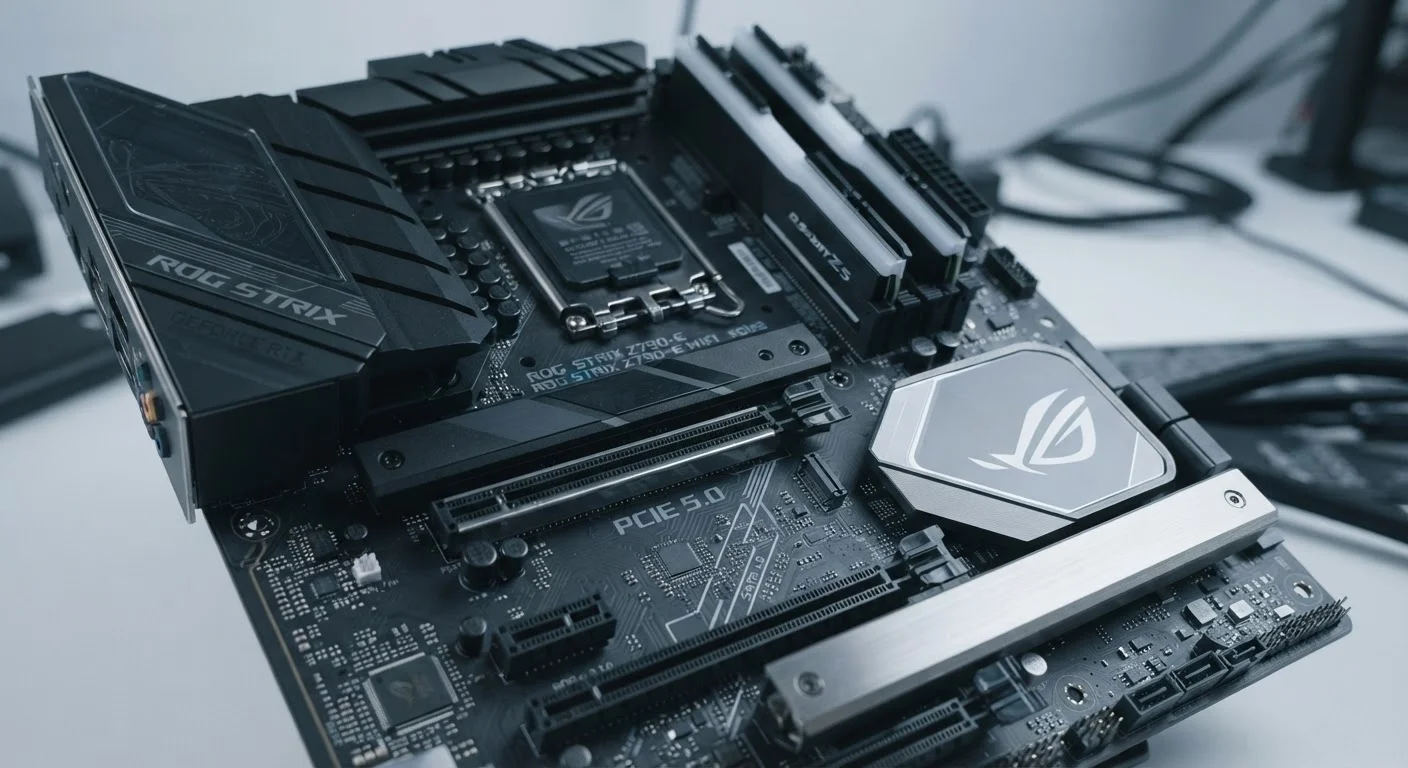
Photo credit: TheBlogZappier.com | Simple Search, Credible Results
In this article
Not everyone needs a discrete GPU. Learn when integrated graphics are sufficient and when a dedicated card makes a meaningful difference.
Key Takeaways
- Integrated graphics share system RAM and CPU resources, making them efficient but limited under heavy load.
- Dedicated GPUs have their own memory (VRAM) and processor, delivering significantly more graphical power.
- Most everyday computer users — including students and remote workers — do not need a discrete GPU.
- Gaming at medium-to-high settings, 4K video editing, and 3D rendering typically require dedicated graphics.
- Modern integrated graphics have improved substantially and can handle light gaming and HD video without issue.
What Integrated and Dedicated Graphics Actually Are
Every computer needs some way to generate the image on your screen. The question is where that work happens. Integrated graphics are built directly into the CPU (processor). They share the computer's main RAM and use a portion of the CPU's processing capacity to handle visual output. There's no separate chip and no separate memory — it all runs from the same pool of resources.
Dedicated graphics, also called a discrete GPU (Graphics Processing Unit), are a completely separate component with their own specialized processor and their own onboard memory, typically called VRAM (Video RAM). Because the GPU isn't competing with the CPU for the same memory bandwidth, it can process graphics data far more quickly under demanding conditions.
For a broader look at how all these specs fit together, see how RAM, storage, and CPU specs work in practice.
| Criterion | Integrated Graphics | Dedicated Graphics (GPU) |
|---|---|---|
| Location | Built into the CPU | Separate card or chip |
| Memory | Shares system RAM | Dedicated VRAM |
| Power consumption | Low | Moderate to high |
| Battery impact (laptops) | Minimal | Significant |
| Gaming performance | Light/older games only | Modern games at high settings |
| Video editing speed | Slow on complex projects | Fast with GPU acceleration |
| Typical cost impact | No added cost | Adds meaningful cost |
| Upgradability | Not upgradable | Upgradable on most desktops |
Where Integrated Graphics Hold Up Fine
The reputation of integrated graphics as inadequate is increasingly outdated. Modern integrated graphics — including those built into recent AMD Ryzen processors and Apple Silicon chips — are capable enough for a wide range of everyday use. Web browsing, email, spreadsheets, video calls, and streaming HD or even 4K content are all well within their range.
Integrated graphics are also the reason thin-and-light laptops can run all day on a single charge. Because there's no discrete GPU drawing extra power, battery life is substantially better. If portability and endurance matter more to you than raw performance, that trade-off is often worth it.
~80%
PC users without a discrete GPU
Steam hardware surveys historically show a significant portion of PC users rely on integrated or lower-tier graphics, reflecting how common everyday, non-gaming use is.
2–5x
Rendering speed advantage of discrete GPUs
In GPU-accelerated video export benchmarks, discrete graphics cards frequently complete the same task two to five times faster than integrated alternatives.
To understand how your choice of form factor affects this further, explore the real trade-offs between desktops and laptops.
When a Dedicated GPU Makes a Real Difference
The gap between integrated and dedicated graphics becomes significant the moment a task requires sustained, high-volume graphics processing. Here are the scenarios where a discrete GPU genuinely changes the experience:
- PC gaming: Most current game titles require a dedicated GPU to run at medium or higher settings with smooth frame rates. Integrated graphics can handle older or less demanding games, but they hit their ceiling quickly.
- Video editing and production: Software like Adobe Premiere Pro and DaVinci Resolve use GPU acceleration for tasks like color grading, effects rendering, and export encoding. A dedicated GPU can cut rendering times from hours to minutes.
- 3D modeling and animation: Applications such as Blender rely heavily on GPU compute power for rendering scenes. Without a discrete GPU, complex renders can be impractically slow.
- Machine learning tasks: Some developers and researchers use GPU compute for AI model training. This is a specialized use case, but one where dedicated hardware is essentially required.
If you're trying to match a machine to a specific workload, this guide maps common tasks to the hardware that handles them well.
What About Laptop Hybrid Graphics?
Many laptops now include both integrated and dedicated graphics, switching automatically depending on the task. This approach — sometimes called switchable graphics — lets the system use the power-efficient integrated option for light work and activate the dedicated GPU only when needed. It's a practical middle ground for users who want both portability and occasional graphics performance, though it adds complexity and cost compared to integrated-only designs.
How to Decide What You Actually Need
The simplest framework: think about your most demanding regular task. If it's writing documents, joining video calls, or watching streaming content, integrated graphics are almost certainly sufficient. If your list includes gaming, video editing, or 3D work, plan for a dedicated GPU.
Also consider display requirements. Higher-resolution monitors and faster refresh rates ask more of your graphics hardware. Our guide to screen resolution, refresh rate, and display tech explains how these specs interact. And for plain-language definitions of terms like VRAM and TDP, the computer specs glossary is a useful reference.
One practical note: if you're buying a laptop, upgrading the GPU later is rarely possible. Make this decision at purchase time. Desktop users have more flexibility, since discrete GPUs can typically be added or swapped after the fact.

Author
Tech & Electronics Editorial Team
Tech & Electronics Editorial Team is the collective byline for our editorial team and contributor network. Articles published under this byline or an editorial pen name are researched, written, and reviewed according to our editorial standards for clarity, consistency, and independence before publication.
View all articles →