
HDR Formats Demystified: HDR10, Dolby Vision, and HLG Side by Side
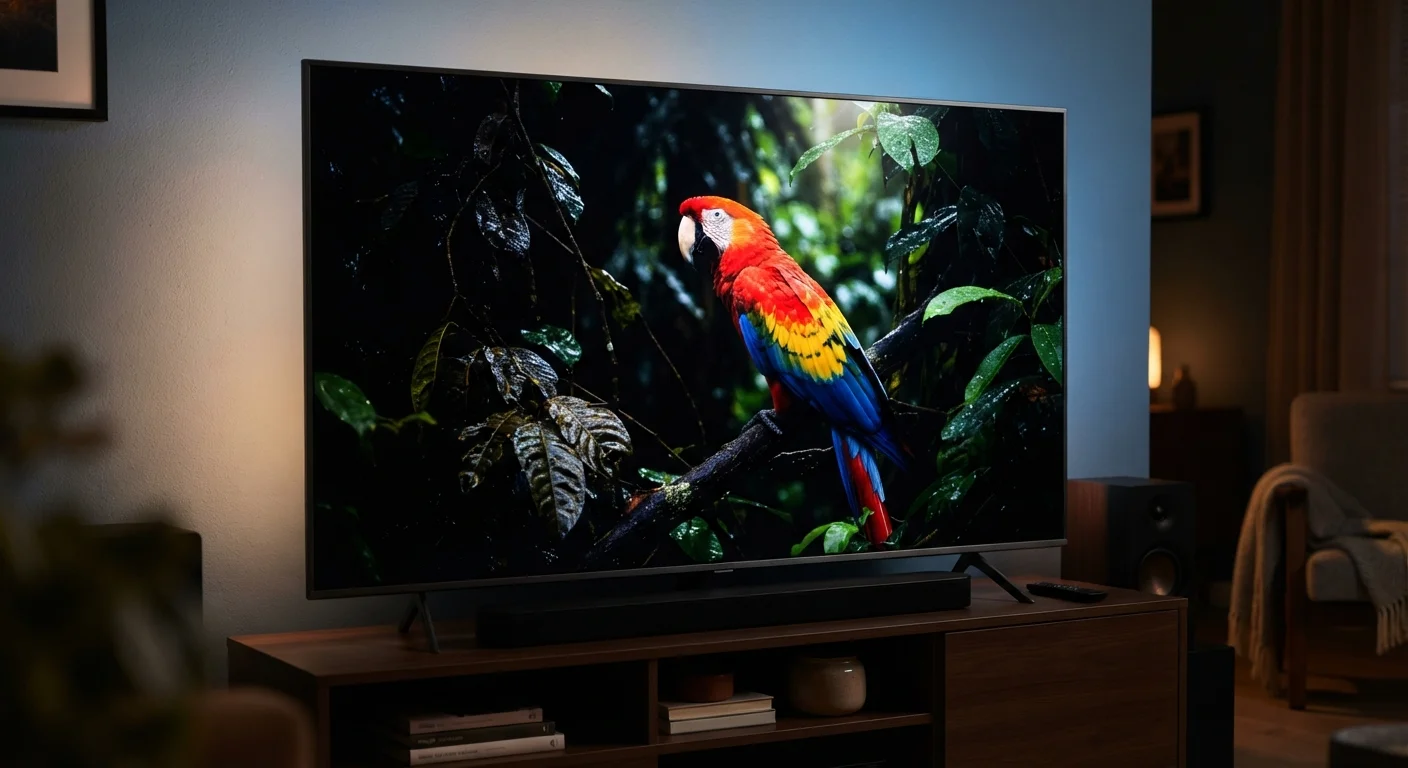
Photo credit: TheBlogZappier.com | Simple Search, Credible Results
In this article
Cut through the HDR alphabet soup. Here's what HDR10, Dolby Vision, and HLG each do differently and when it actually matters.
Key Takeaways
- HDR10 is the universal baseline — virtually every HDR TV and streaming service supports it.
- Dolby Vision uses dynamic metadata to adjust image settings scene by scene, which HDR10 cannot do.
- HLG was designed for broadcast and live TV, not packaged media like streaming or Blu-ray.
- Most modern TVs support all three formats, so format compatibility is rarely a deal-breaker.
- The format matters less than the quality of the source content and the capabilities of your display.
What HDR Actually Means Before Comparing Formats
HDR stands for High Dynamic Range. In practical terms, it expands the range between the darkest shadows and the brightest highlights a screen can display, and it widens the color palette beyond what standard video delivers. The result — when done well — is an image that looks closer to what your eyes see in real life.
Every HDR format shares that basic goal. Where they differ is in how they communicate brightness and color instructions to your TV. Those instructions are called metadata, and understanding the difference between static and dynamic metadata is the key to understanding why these formats aren't interchangeable.
For a broader look at how display specs work together, see TV Resolution, Refresh Rate, and Panel Type: What the Numbers Actually Mean.
| Criterion | HDR10 / Dolby Vision | HLG |
|---|---|---|
| Metadata type | Static (HDR10) / Dynamic (Dolby Vision) | Embedded in signal — no separate metadata |
| Primary use case | Streaming, Blu-ray, packaged media | Live broadcast and broadcast streaming |
| Licensing cost | Free (HDR10) / Licensed fee (Dolby Vision) | Open standard, no licensing fee |
| SDR backward compatibility | Not natively backward compatible | Yes — one signal works on SDR and HDR TVs |
| TV support | Near-universal (HDR10); widespread (Dolby Vision) | Supported on most current HDR TVs |
| Scene-by-scene optimization | No (HDR10) / Yes (Dolby Vision) | No — optimized per signal, not per scene |
HDR10: The Universal Baseline
HDR10 is the open, royalty-free standard that essentially every HDR device supports — TVs, streaming sticks, gaming consoles, and Ultra HD Blu-ray players. Because there's no licensing fee, manufacturers adopt it without friction, which is why it became the common denominator.
It uses static metadata, meaning brightness and color instructions are set once for the entire piece of content — typically calibrated to the brightest scene. That one-size-fits-all approach works well for most content but can result in slightly crushed highlights or lifted blacks in scenes that are much darker or brighter than the calibration point.
HDR10+ is an updated variant that adds dynamic metadata (similar to Dolby Vision) and is backed by Samsung and Amazon, though its adoption is less widespread than either HDR10 or Dolby Vision.
~1,000 nits
HDR10 minimum mastering brightness target
HDR10 specifies a peak brightness target of 1,000 nits for content mastering, though actual TV panel brightness varies considerably by model.
10,000 nits
Dolby Vision maximum supported brightness
Dolby Vision's spec supports mastering up to 10,000 nits peak brightness, well ahead of current display technology but future-proofing the format.
10-bit
Color depth used by all three formats
HDR10, Dolby Vision, and HLG all use at least 10-bit color depth, enabling over one billion colors versus the 16.7 million available in 8-bit SDR.
Dolby Vision: Dynamic Metadata in Practice
Dolby Vision is a licensed format developed by Dolby Laboratories. It uses dynamic metadata — instructions that can change frame by frame or scene by scene — to tell your TV exactly how to handle brightness and color at any given moment. In a film that cuts between a sun-drenched exterior and a dimly lit interior, the TV can respond accordingly rather than compromising for an average.
The practical difference is often subtle on a well-calibrated mid-range TV, but on high-end OLED or mini-LED displays with wide peak brightness ranges, the improvement can be visible — particularly in scenes with extreme contrast.
The trade-off: Dolby Vision requires a licensing agreement, so it's absent from some budget TVs and certain streaming services. Content also needs to be mastered in Dolby Vision at the source; not everything is.
HLG: Built for Broadcast, Not Packaged Media
Hybrid Log-Gamma was developed jointly by the BBC and NHK (Japan's public broadcaster) specifically to solve a problem neither HDR10 nor Dolby Vision addresses well: live broadcast. When a camera operator is filming a soccer match in real time, there's no opportunity to pre-analyze the footage and embed optimized metadata. HLG sidesteps that by encoding brightness information directly into the signal — no separate metadata stream needed.
HLG also has an important backward-compatibility property: the same signal displays acceptably on a standard SDR (Standard Dynamic Range) TV. Broadcasters can send one HDR signal that serves both HDR and non-HDR viewers without two separate feeds.
Outside of live broadcast and some streaming services that offer broadcast-style content, HLG appears less frequently than HDR10 or Dolby Vision in packaged media. If you mainly watch movies or on-demand streaming, you'll encounter it less — but if your TV supports it (most modern sets do), it handles broadcast HDR content automatically.
Your TV Selects the Format Automatically
When a streaming app or Blu-ray player sends HDR content to your TV, the two devices perform a handshake via HDMI to determine which formats both support and select accordingly. You typically don't need to enter settings menus or manually choose a format. If you're curious which format a given stream is using, some TVs display this in an on-screen information panel during playback.
Does the Format You Get Actually Matter?
For most consumers, the honest answer is: less than the marketing suggests. A few things matter more than which HDR format a stream carries:
- Panel quality: An OLED or high-brightness mini-LED display will show HDR content more convincingly than a dim LCD panel, regardless of format.
- Mastering quality: Content that was carefully graded in post-production looks better than content that received minimal HDR treatment.
- Ambient light: HDR's impact is most visible in a darkened room where your eyes can perceive the full contrast range.
If your TV supports all three formats — which most current HDR sets do — your device will automatically select the right one based on what the source is sending. You generally don't need to configure anything manually.
Understanding display specs in a broader context can help you weigh these decisions — Screen Resolution, Refresh Rate, and Display Tech Decoded covers similar ground for phones and tablets.

Author
Tech & Electronics Editorial Team
Tech & Electronics Editorial Team is the collective byline for our editorial team and contributor network. Articles published under this byline or an editorial pen name are researched, written, and reviewed according to our editorial standards for clarity, consistency, and independence before publication.
View all articles →